BUYING GUIDE · UPDATED OCTOBER 2026

Best laptops & desktops (October 2026)

Find the right computer for the work you actually do, from everyday browsing to development and creative projects.

Review roundups summarize published reviews; we haven’t tested these products. Links to retailers may earn us a commission. How we work

Our picks at a glance

  1. Basic macOS work on a smaller budgetMacBook Neo

    An affordable Mac for the everyday jobs

    5 published review links
  2. A light Windows travel computerASUS Zenbook A14

    Travel light, after checking your software

    3 published review links
  3. Quiet, portable macOS workMacBook Air 13 M5

    The portable Mac most everyday work needs

    3 published review links
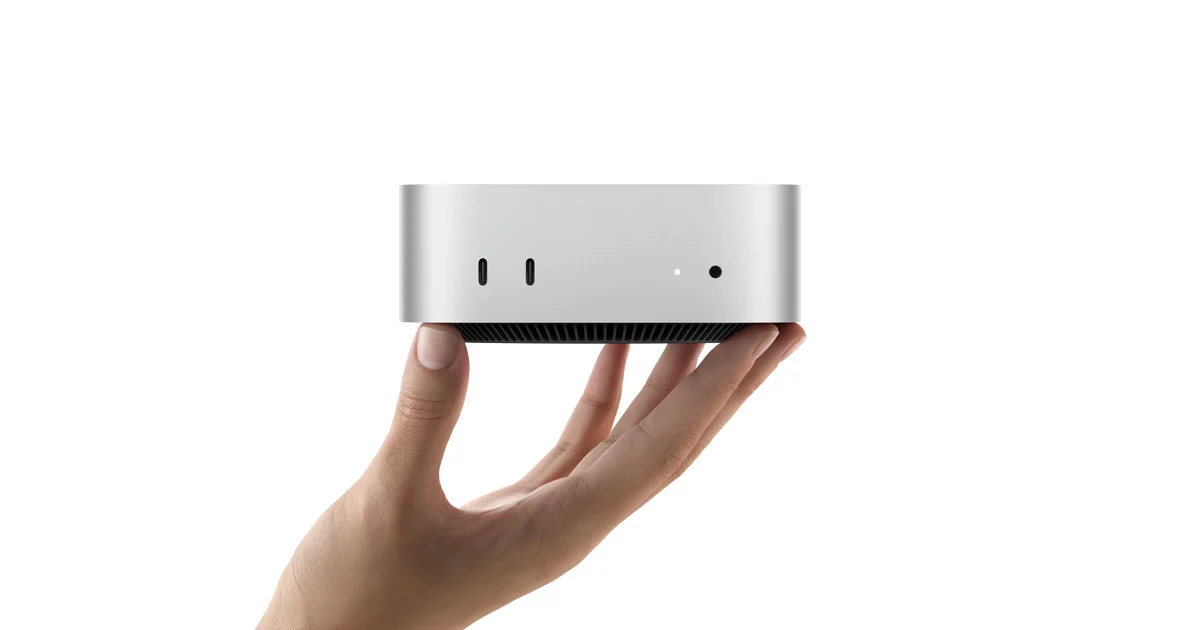
  4. A good starting point for a desk-based Mac when you already have a display.Apple Mac mini M4

    A good starting point for a desk-based Mac when you already have a display.

    2 published review links
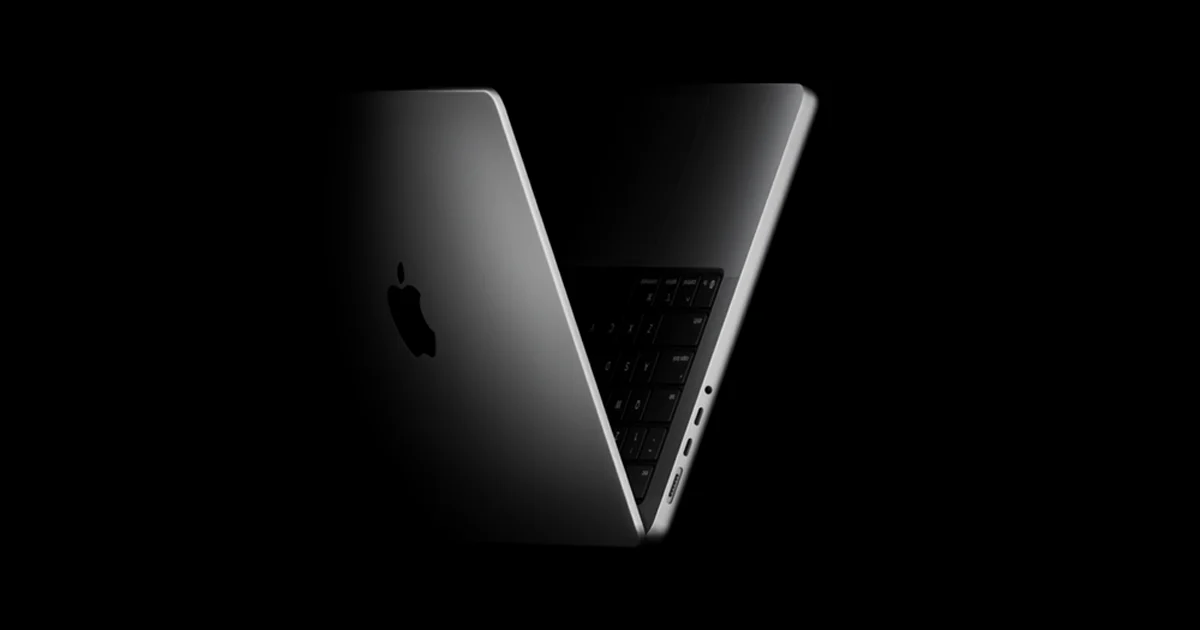
  5. Choose the Pro over an Air for its display, ports and sustained work.Apple MacBook Pro 14 M5

    Choose the Pro over an Air for its display, ports and sustained work.

    2 published review links
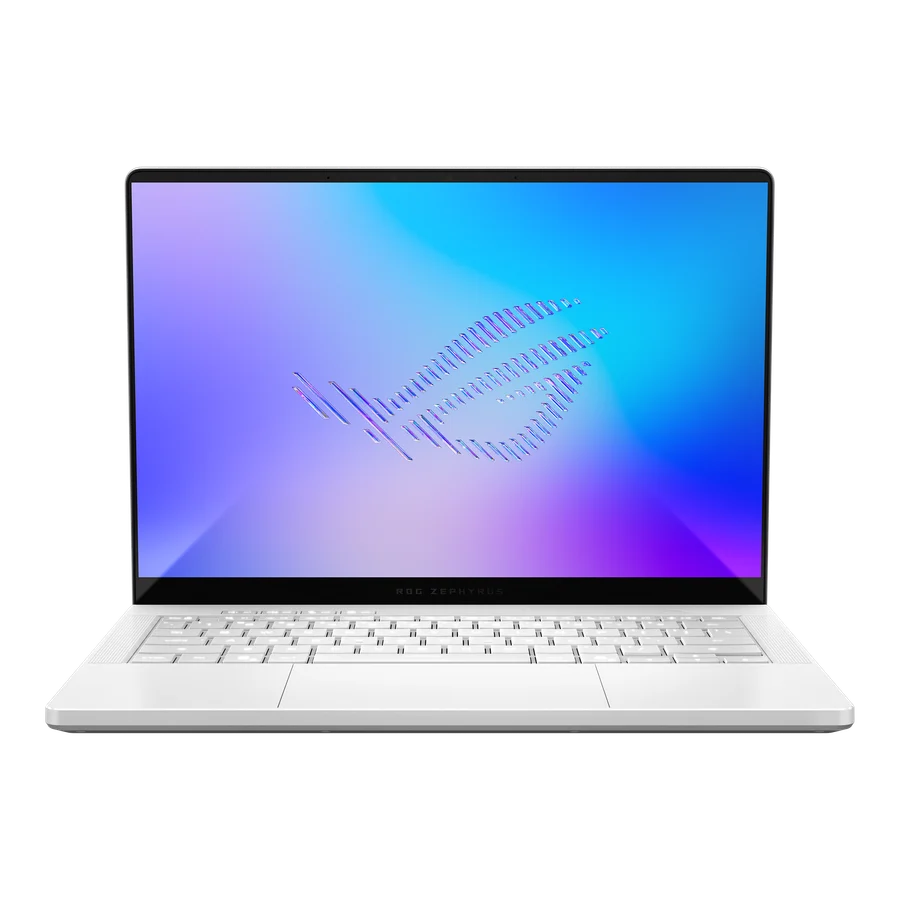
  6. A portable gaming and creation machine for buyers who can justify the premium.ASUS ROG Zephyrus G14 (2026)

    A portable gaming and creation machine for buyers who can justify the premium.

    2 published review links
Compare the top picks side by side →

What to look for

01

Start with your required apps, operating system and accessories. Check compatibility before comparing benchmark charts.

02

Compare battery tests at similar brightness and sustained performance after the machine warms up. A short burst score does not describe a long compile or export.

03

Choose memory, storage and ports for the machine's lifetime. Include docks, chargers and upgrade limits in the total cost.

Ask yourself: Will it run my actual tools quietly, away from a charger, and for long enough to justify the cost?

The full shortlist

Every pick, with the tradeoffs and alternatives worth considering.

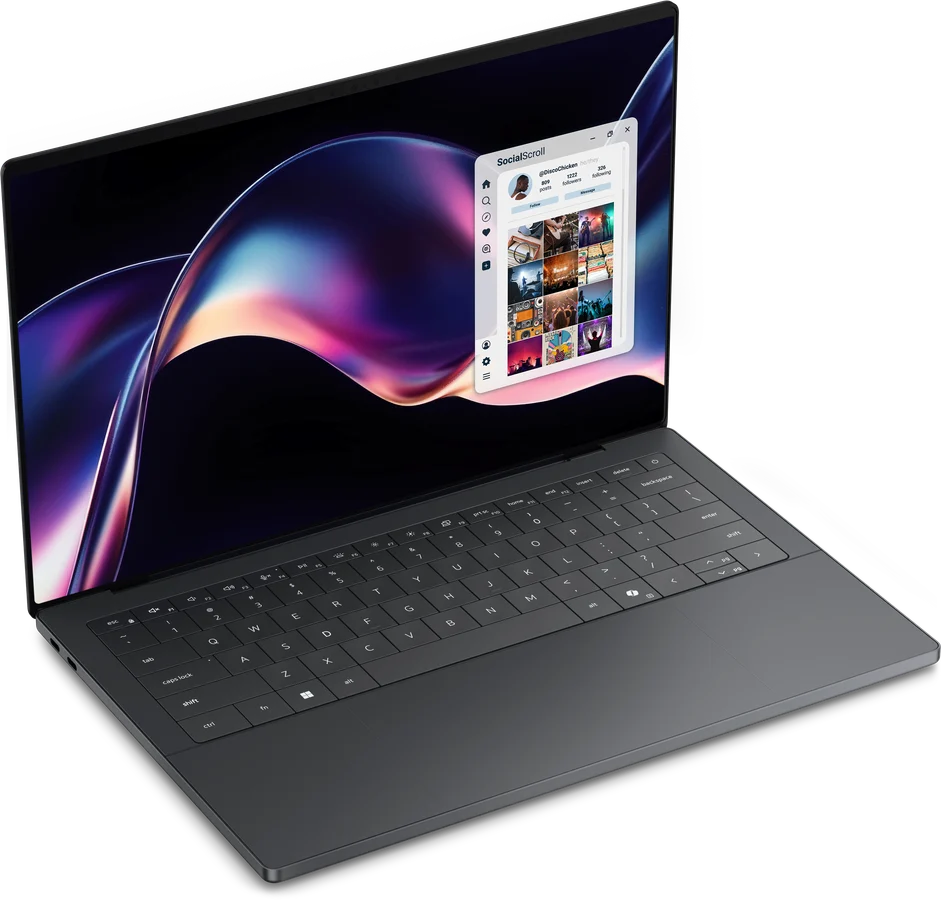
Apple MacBook Neo (2026), A18 Pro — manufacturer product image
Basic macOS work on a smaller budget

MacBook Neo

2026 A18 Pro model, 8GB RAM; 256GB and 512GB variants

An affordable Mac for the everyday jobs. Web browsing, writing and ordinary office work suit the Neo’s quiet design. The fixed 8GB of memory is the reason to spend more on an Air for development, heavier multitasking or creative work. There is no keyboard backlight, and Touch ID comes with the 512GB model, so the cheapest configuration has real compromises.

5 published review links

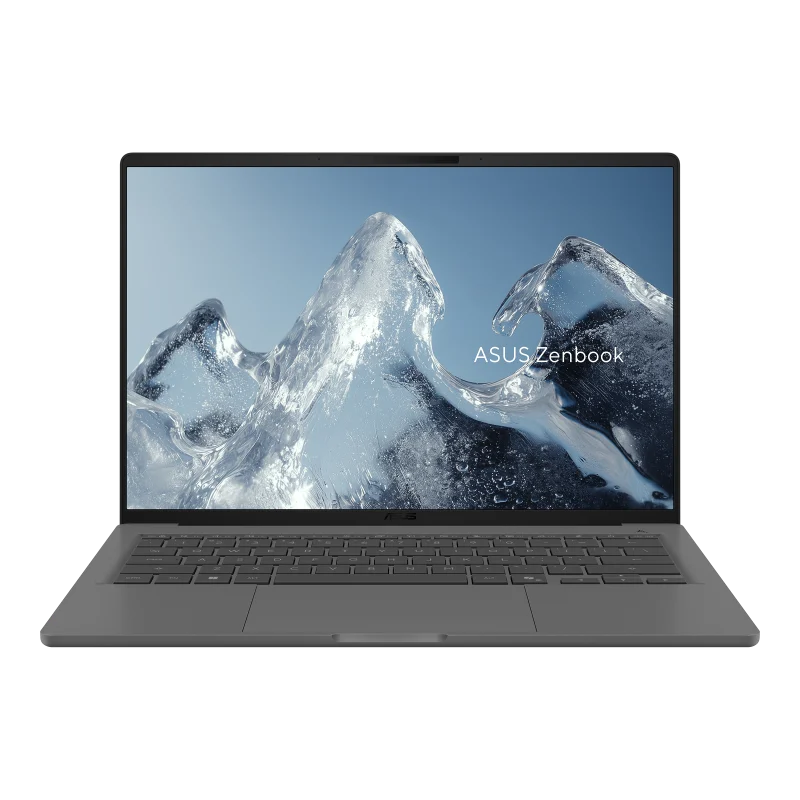
ASUS Zenbook A14 (UX3407NA), Snapdragon X2 Elite (2026) — manufacturer product image
A light Windows travel computer

ASUS Zenbook A14

UX3407NA, 2026, Snapdragon X2 Elite; not the 2025 model

Travel light, after checking your software. The A14’s low weight and OLED screen make it appealing for work on the move. Windows on ARM compatibility is the deciding check: confirm the apps, plug-ins and device drivers you rely on before ordering. Reviews disagree about value at different regional prices, and its fastest power profile brings more fan noise.

3 published review links

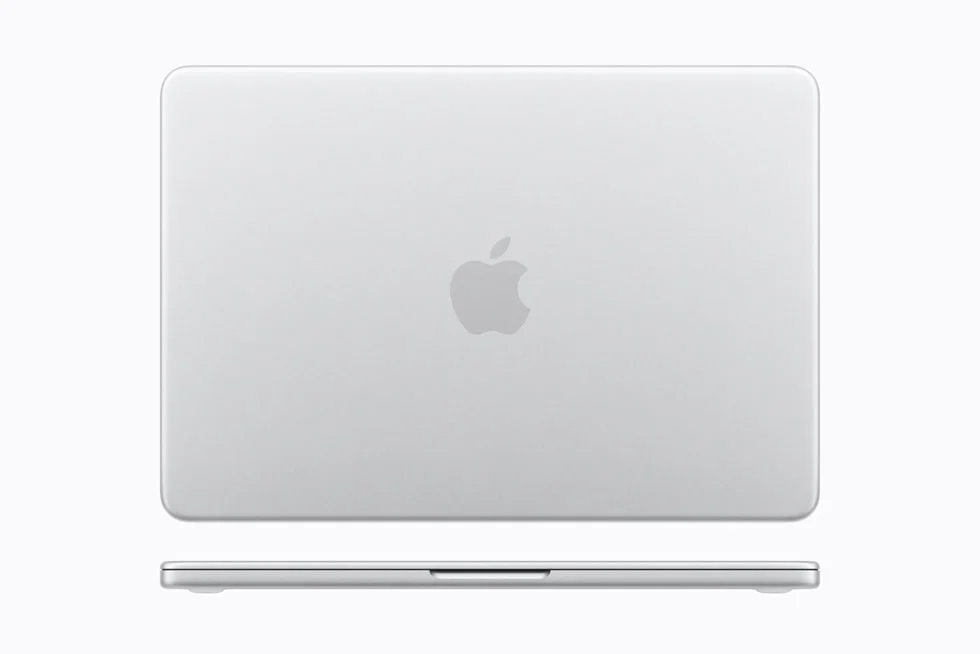
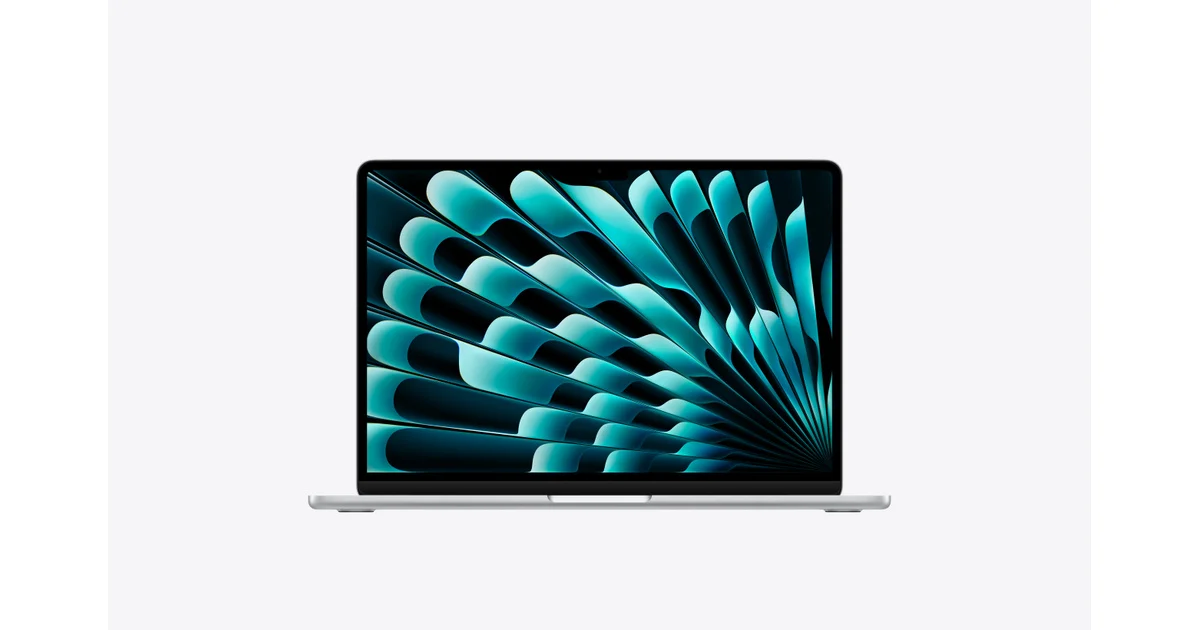
Apple MacBook Air 13-inch (2026), M5 — manufacturer product image
Quiet, portable macOS work

MacBook Air 13 M5

2026 13-inch model; memory and GPU configurations vary

The portable Mac most everyday work needs. The Air combines a light chassis, silent operation and strong battery endurance without asking you to carry a Pro. Choose enough memory and storage at purchase because neither is upgradeable. The 60Hz display and limited ports are easier to accept than the sustained-performance limit if your work involves long renders or other continuous heavy loads.
3 published review links

Recent reviews from publishers

The latest coverage we found; article types are inferred.