Short bursts versus sustained work
RTINGS distinguishes fanless Air use from actively cooled Pro models. A short CPU score does not establish long compile or export behavior.
RTINGSLaptops & desktops / Review roundup
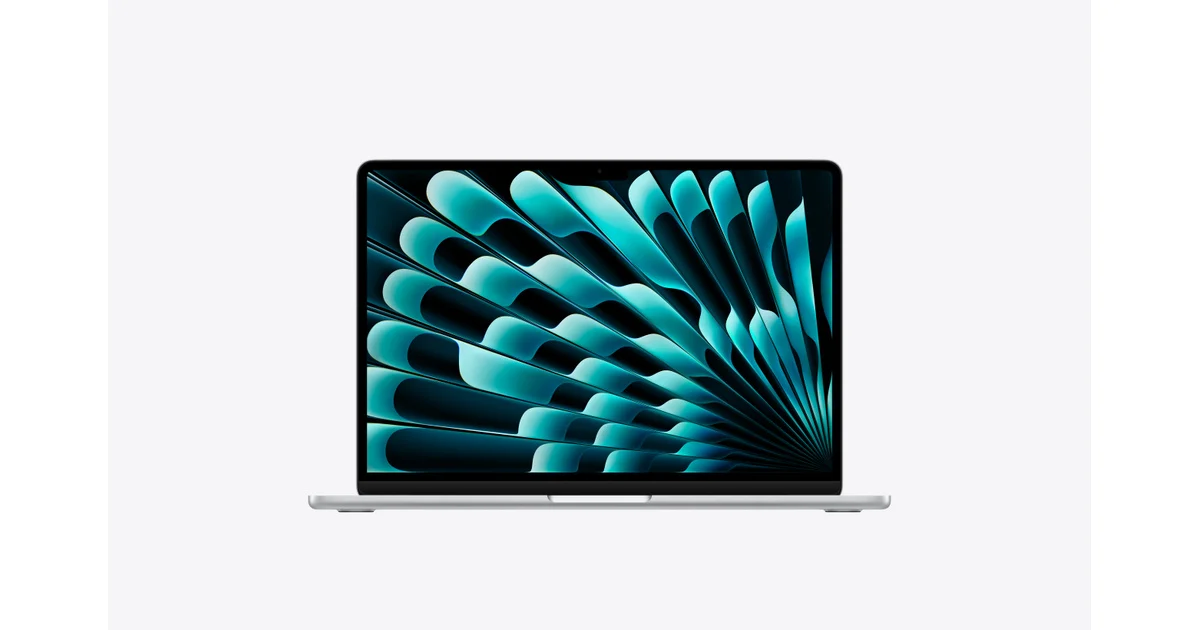
2026 13-inch model; memory and GPU configurations vary
Roundup updated 2026-10-02 · 3 assessment sources
What reviewers found
The Air combines a light chassis, silent operation and strong battery endurance without asking you to carry a Pro. Choose enough memory and storage at purchase because neither is upgradeable. The 60Hz display and limited ports are easier to accept than the sustained-performance limit if your work involves long renders or other continuous heavy loads.
A roundup of published reviews; we haven’t tested this product. How we work
Quiet, portable macOS work
Limited ports and no memory or SSD upgrades
Affiliate links · We may earn a commission.
PERFORMANCE
MacBook Neo records 20.6% lower battery endurance than MacBook Air 13 M5 in this test. This result applies to the selected workload.
Notebookcheck · original chart & methodology ↗Published Separate 2026 reviews · checked 2026-10-03
Notebookcheck Wi-Fi browsing protocol, displays set to 150 cd/m². Neo 256GB, Air M5 entry 8-core GPU, Zenbook A14 UX3407NA Snapdragon X2 Elite.
Cross-review comparison using the same publication’s named protocol, not one simultaneous test. Review dates, OS and configurations differ. Maximum-brightness results do not match screen luminance. Open each product’s result source for its exact setup.
| Product | Result | Against first measured model |
|---|---|---|
| MacBook Neo | 771 | 0% |
| MacBook Air 13 M5 | 971 | 25.9% |
| ASUS Zenbook A14 | 963 | 24.9% |
Bars start at zero. Percentage differences use the displayed baseline; they are not a combined rating. A geometric mean summarizes a suite, not the frame rate of every game. 1% lows describe the slowest portion of frames and help expose uneven delivery. Missing products are never assigned zero.
RTINGS distinguishes fanless Air use from actively cooled Pro models. A short CPU score does not establish long compile or export behavior.
RTINGSNotebookcheck supports efficient performance and battery life while identifying the 60Hz screen and serviceability limits.
NotebookcheckMacworld tests the 10-core GPU with 16GB RAM and 1TB storage, including CoreML-oriented AI tests. Those results are not measurements of every local LLM.
MacworldPublished measurements include their original test conditions.
Measurement · Wi-Fi battery test
16 h 11 minNotebookcheck entry model, 150 nits. Its maximum-brightness web result was 6 h 39 min.
NotebookcheckMeasurement · Wi-Fi at maximum brightness
6 h 39 minSame Notebookcheck sample and web workload; screen brightness changes runtime substantially.
NotebookcheckCheck the configuration: memory, storage and cooling can vary between models.
Macworld · Review ·
10-core GPU, 16GB / 1TB sample; CPU, graphics and CoreML AI workloads add a different configuration to the evidence.
10-core GPU, 16GB / 1TB sample; CPU, graphics and AI workloads
Publisher group: Foundry
RTINGS
13-inch review distinguishes portable use from sustained work on actively cooled Pro models; check the sample configuration.
13-inch M5 review; see tested configuration
Publisher group: RTINGS
Notebookcheck · Review
Entry model with an 8-core GPU: efficient, fanless operation and web endurance, with a 60Hz screen and limited upgradeability.
Entry configuration, including 8-core GPU
Publisher group: Notebookcheck
Apple specifications — 13-inch manufacturer specification reference; not an independent review