Gaming handhelds
Hardware only. Include storage, games and any required dock; verify game compatibility before paying more.
BUYING GUIDE · RECOMMENDATIONS REVIEWED
Start with your game library, then weigh portability, performance and the cost of playing.
We summarize professional reviews; we don't test products ourselves. We may earn a commission from purchases or qualifying sign-ups through our links. Affiliate links explained How we work
Selections reflect the use cases below. The number of coverage links does not determine the picks; current prices can change the value case.
Choose it for Nintendo games and hybrid play. A PC handheld serves a different library.
Price check: Include games, microSD Express storage and online services in the total.
Compromise: Game, storage and subscription costs add up
The OLED Deck improves the portable experience more than the underlying frame rate. It is a strong fit for a compatible Steam library, but some multiplayer games and anti-cheat systems remain obstacles on SteamOS. Check those games first, and distinguish the 512GB model from the 1TB version with different storage and glass.
Price check: Compare storage and glass finish, and verify your game library before paying for accessories.
Also compare ASUS ROG Xbox Ally X →
Compromise: Demanding games and anti-cheat compatibility limit use
Try the fit first, budget for a better strap if needed, and check PC requirements separately from standalone games.
Price check: Compare the exact configuration and total cost, including any accessories or subscription. Retailer links do not establish a current price or discount.
Also compare Meta Quest 3S 128GB →
Compromise: No eye tracking; Comfort and endurance may need accessories
These are spending limits for each product type, not quoted prices or a reason to pay more. Available offers determine which models fit. Amounts are in USD, before tax and shipping.
Hardware only. Include storage, games and any required dock; verify game compatibility before paying more.
Compare storage and package contents. PC VR can also require a suitable computer, tracking equipment or controllers.
Check the games you actually play, including anti-cheat and account requirements. Hardware power cannot fix an unsupported game.
Compare performance at a usable power setting alongside battery life, fan noise and control comfort.
Include storage, subscriptions, docks and accessories. Verify whether cloud or online features work when traveling.
Ask yourself: Can I play my favorite games comfortably, where I want, without unexpected extra costs?
An alphabetical directory of reviewed models, including specialist and older alternatives. Inclusion is not a recommendation for every buyer.
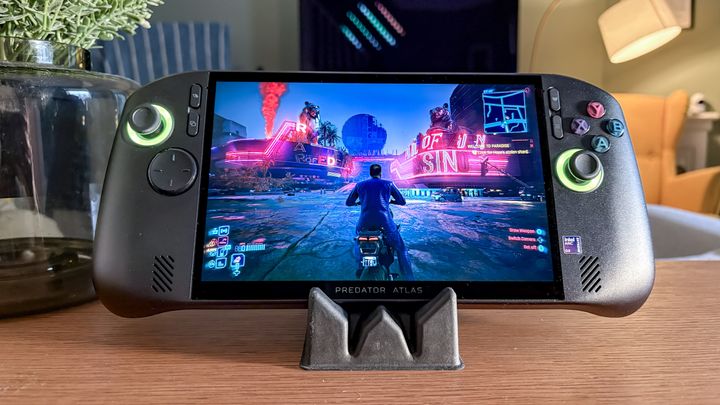
Acer Predator Atlas 8 (tested)
A fast, large-screen Windows handheld with strong graphical speed, let down by hefty bulk and spongy controls. The Acer Predator Atlas 8 is a compelling option for portable PC players who prioritize desktop-class frame rates and a roomy 8-inch screen over compact travel dimensions. Its chief advantage is the Intel Arc G3 Extreme processor, which delivers substantial frame-rate leads over older AMD-based portables while drawing from an 80Wh battery. The biggest trade-offs are an 810-gram carrying weight, unrefined haptics, and recurring Windows navigation friction. Compared to the MSI Claw 8 EX AI+, the Atlas 8 offers matching core hardware at a noticeably lower introductory price point.
1 published review link
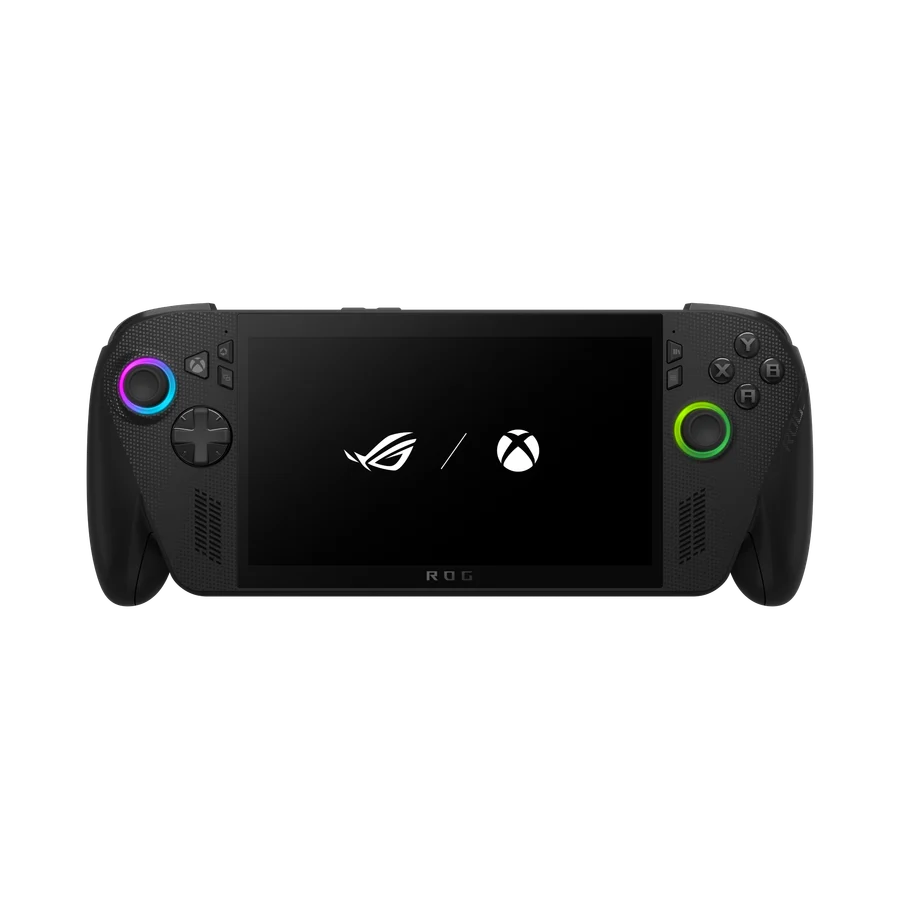
2025 Ryzen AI Z2 Extreme, 24GB / 1TB; not the original ROG Ally X
It is a costly alternative to a Steam Deck, and Xbox branding does not make console-only games run on it.
2 published review links
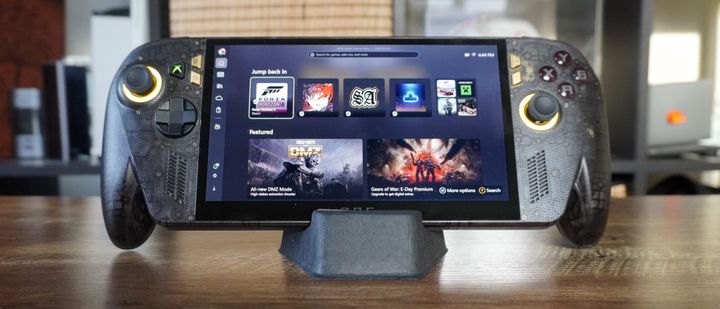
Ryzen Z2 Extreme, 24 GB LPDDR5X, and 1 TB PCIe 4.0 M.2 2280
A vibrant 120Hz OLED screen and refined ergonomics elevate a familiar handheld at an enthusiast price. The Asus ROG Xbox Ally X20 is best for enthusiasts seeking the most refined Windows gaming handheld available, distinguished by a luminous 7.4-inch OLED display and top-tier ergonomics. Its greatest asset is the combination of deep contrast, anti-drift TMR sticks, and a roomy 80Wh battery. However, the internal hardware remains unchanged from the previous generation, meaning you gain no extra processing power for a substantial $300 price premium. While the $1,799 MSI Claw 8 EX AI+ offers higher frame rates with newer Intel silicon, the X20 delivers a noticeably superior screen and form factor at a comparatively lower cost.
4 published review links
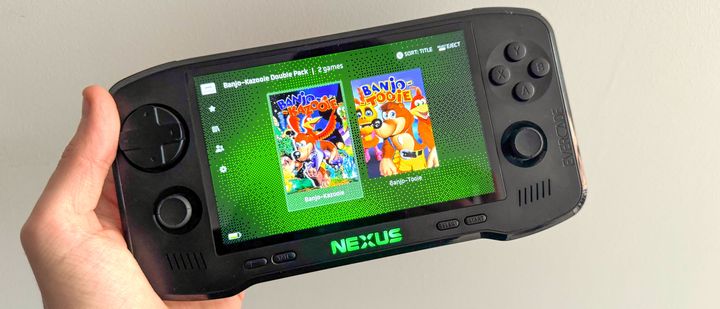
Evercade Nexus
A capable retro handheld elevated by twin sticks and Banjo-Kazooie, but held back by the lack of sleep mode. The Evercade Nexus is best suited for retro enthusiasts and physical media collectors who want a curated, legally licensed library without the hassle of configuring emulators and ROMs. Its biggest triumphs are a much larger, brighter 5.89-inch screen and responsive dual analog sticks that make 3D classics shine right out of the box. Its most frustrating omission is the lack of a quick sleep or suspend mode, alongside the removal of TV-out support. While open-source Android devices like the Retroid Pocket 4 offer raw processing power and broader format support for the same $200 price point, the Nexus provides an unmatched, hassle-free cartridge collecting experience.
1 published review link

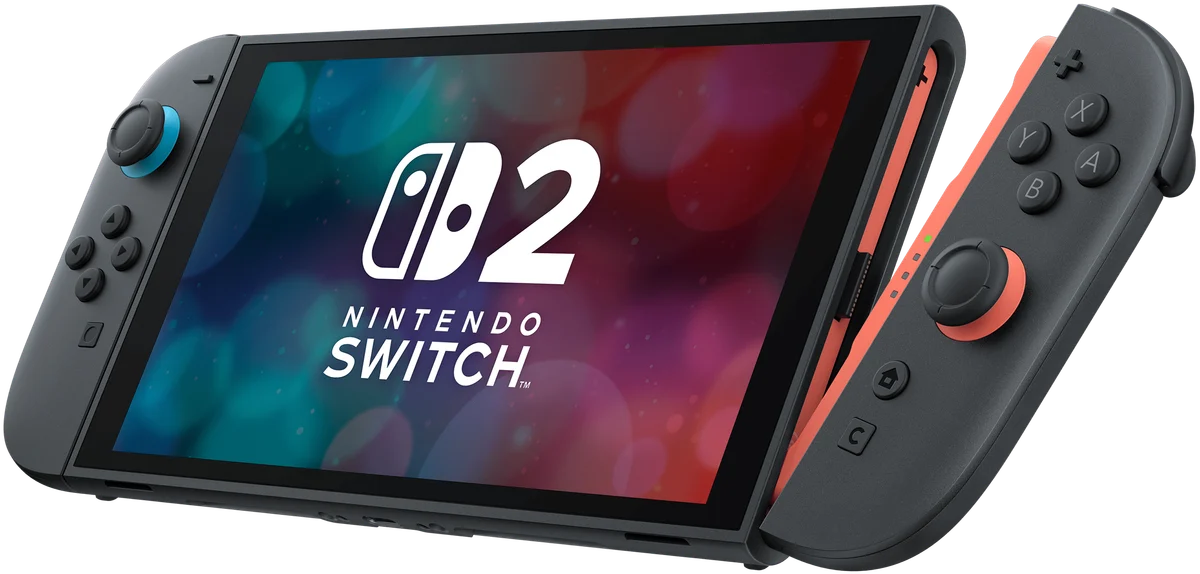
Reviews cover this model; exact sample configurations can differ or be unspecified
Buy it for the games you want to play. Nintendo’s library and the flexibility to play handheld or on a television are the Switch 2’s main attractions. Budget for games, storage and any extra controllers you need. A Steam Deck serves a different library, so raw hardware comparisons are less useful than checking which games matter to you.
7 published review links
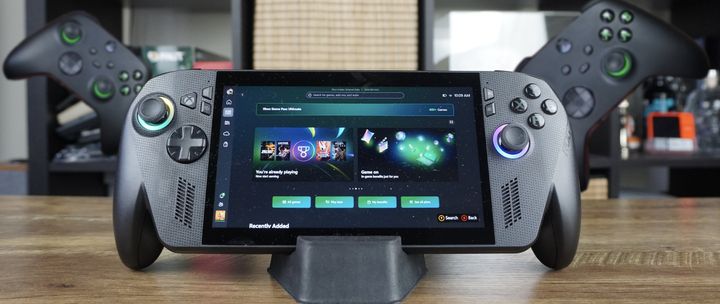
Ryzen AI Z2 Extreme
Quick verdict. Tom's Guide found it comfortable and capable, particularly for demanding PC games away from a desk.
1 published review link
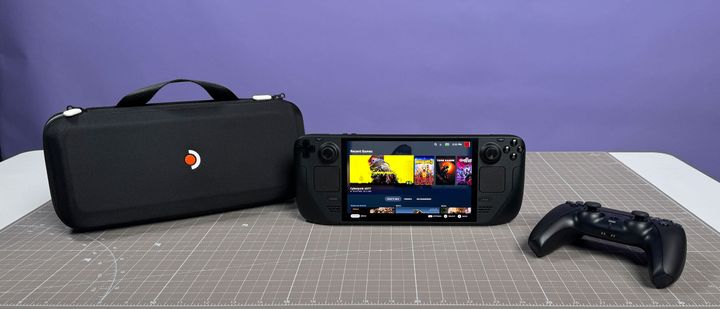
1TB Steam Deck OLED, priced at $649, with an anti-glare display and a case with a removable inner shell to slim it down
2 published review links
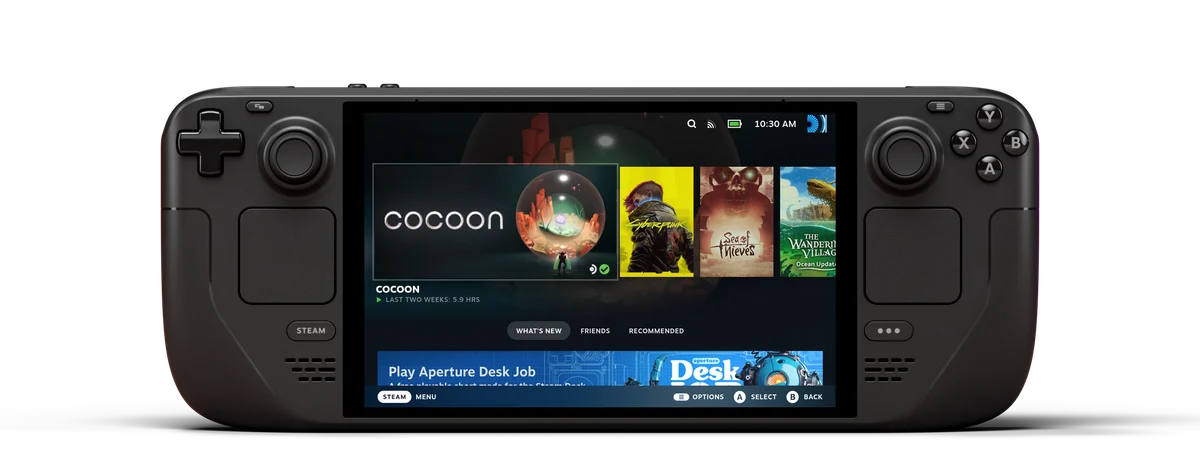
512GB glossy OLED; some cited tests use 1TB etched-glass model
The screen and battery are the upgrade. The OLED Deck improves the portable experience more than the underlying frame rate. It is a strong fit for a compatible Steam library, but some multiplayer games and anti-cheat systems remain obstacles on SteamOS. Check those games first, and distinguish the 512GB model from the 1TB version with different storage and glass.
2 published review links
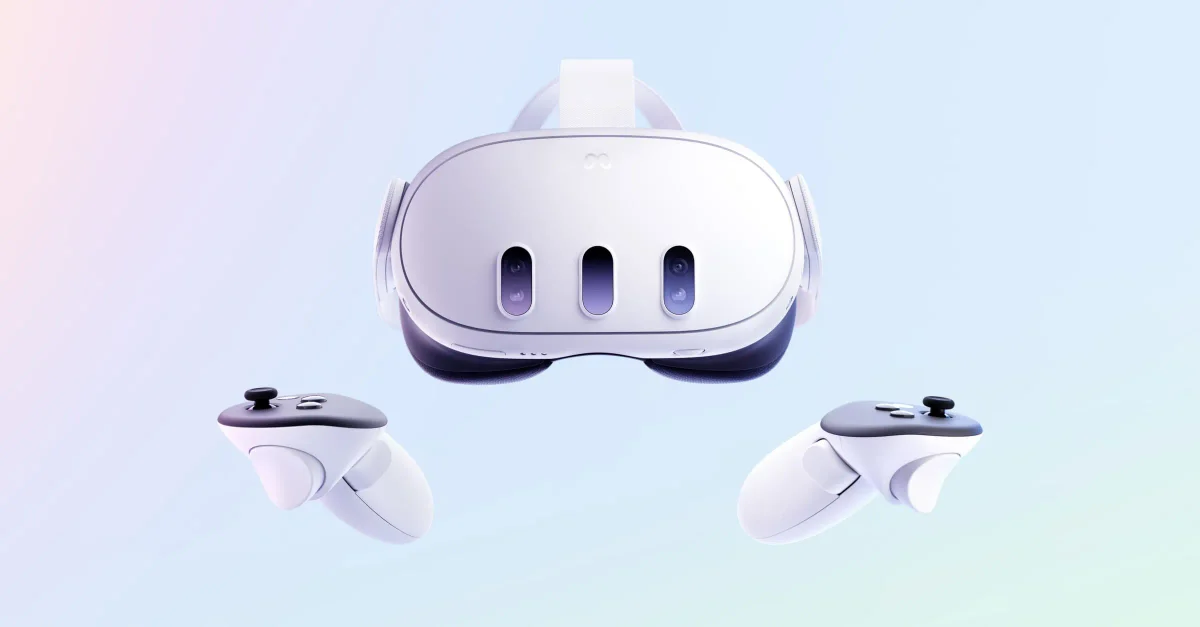
512GB standalone VR headset; not Quest 3S
Try the fit first, budget for a better strap if needed, and check PC requirements separately from standalone games.
3 published review links
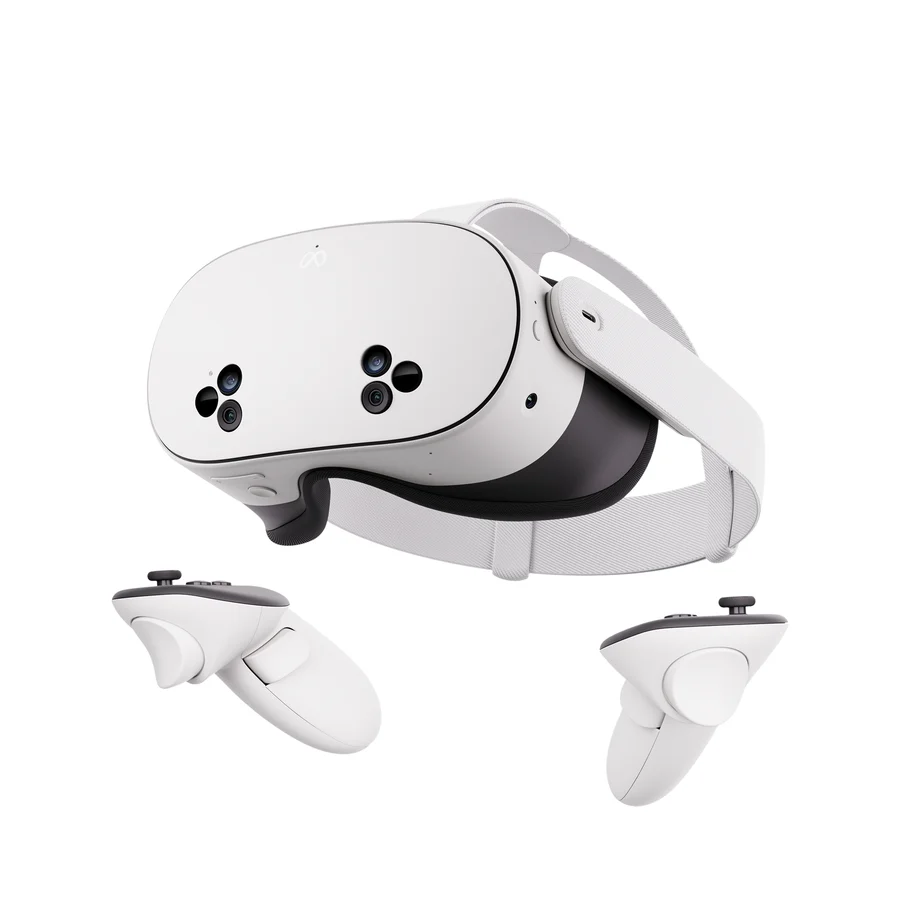
Standalone 128GB headset with Fresnel lenses
A lower-cost way into VR, with a visible compromise. The Quest 3S brings the current Quest software platform to a cheaper headset. Its Fresnel lenses are the main reason to pay more for the clearer Quest 3, while 128GB can fill quickly with larger games. Comfort and motion sensitivity are worth testing before investing in accessories.
2 published review links
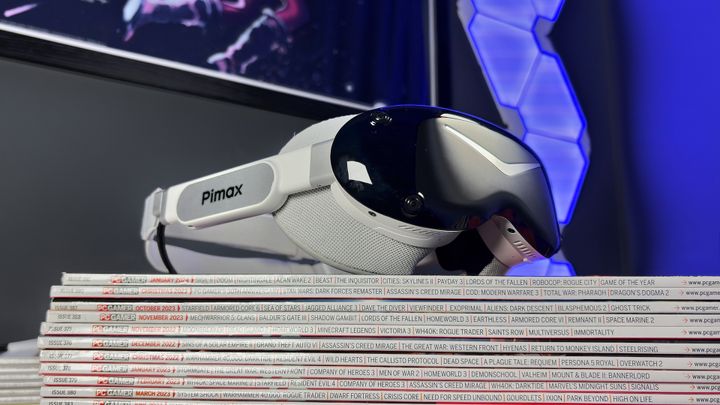
SLAM version
A featherweight Micro-OLED headset with breathtaking clarity compromised by finicky inside-out tracking. The Pimax Dream Air SLAM edition is designed for well-heeled PC simulation and VR enthusiasts who want class-leading visual clarity without physical neck strain. Its dual 4K Sony Micro-OLED panels and sub-170-gram visor deliver unmatched contrast and long-haul comfort. However, the $2,299 package is hampered by inconsistent inside-out SLAM tracking and finicky companion software. Compared to custom-fit compact rivals like the Bigscreen Beyond, the Dream Air avoids external base stations and includes eye tracking, but commands a far steeper price.
1 published review link
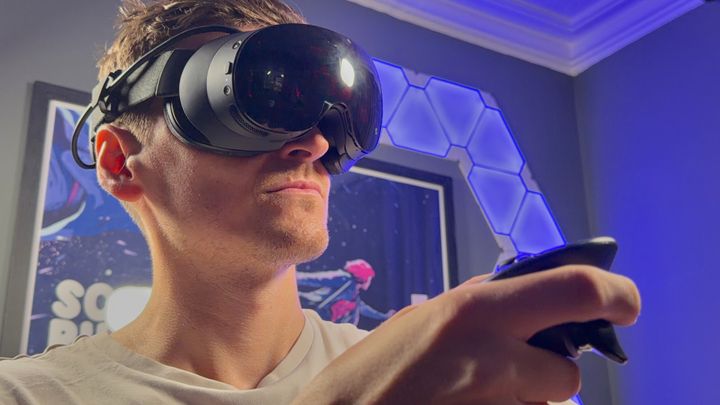
256GB model
A frictionless wireless PC VR headset let down by short battery runtimes and a steep four-figure price tag. The Valve Steam Frame is built for dedicated PC gamers who want seamless, cable-free SteamVR streaming without Meta ecosystem lock-in or privacy compromises. Its greatest strengths are its lightweight 440-gram balanced chassis and the included low-latency Wi-Fi 6E wireless adapter. However, its built-in 21.6 watt-hour battery delivers less than two hours of streaming runtime, and Valve does not include a power adapter in the box. While it offers unmatched Linux flexibility and zero-friction PC streaming, mainstream buyers will find the Meta Quest 3 offers comparable visual clarity at less than half the price.
1 published review link
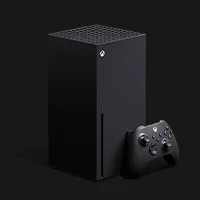
Original black 1TB console with disc drive; not digital or 2TB edition
Choose the storage and drive variant deliberately; a PC or PS5 may suit a different library better.
2 published review links
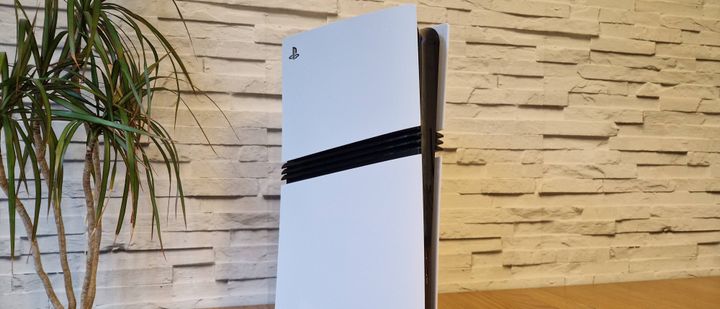
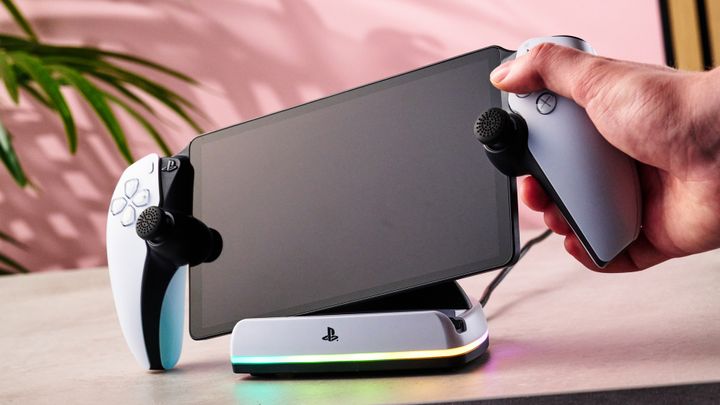
PowerA Charging Station for PlayStation Portal
A well-built magnetic charging dock that matches the PS5 aesthetic with Lumectra lighting. The PowerA Charging Station for PlayStation Portal is an easy recommendation for Portal owners seeking a tidy, display-worthy home base that avoids the annoyance of fiddling with loose cables. Its greatest strength is its sturdy, weighted build and matching PlayStation 5 aesthetic, complete with customizable Lumectra lighting and automatic overcharge protection. The primary drawback is the tiny magnetic USB-C dongle, which sits so deeply inside the Portal's recessed port that it is frustratingly difficult to remove when taking the device on trips. Compared with unbranded stands like the Dobe dock, PowerA provides official Sony licensing, superior stability, and customizable lighting that justify the modest price premium.
1 published review link
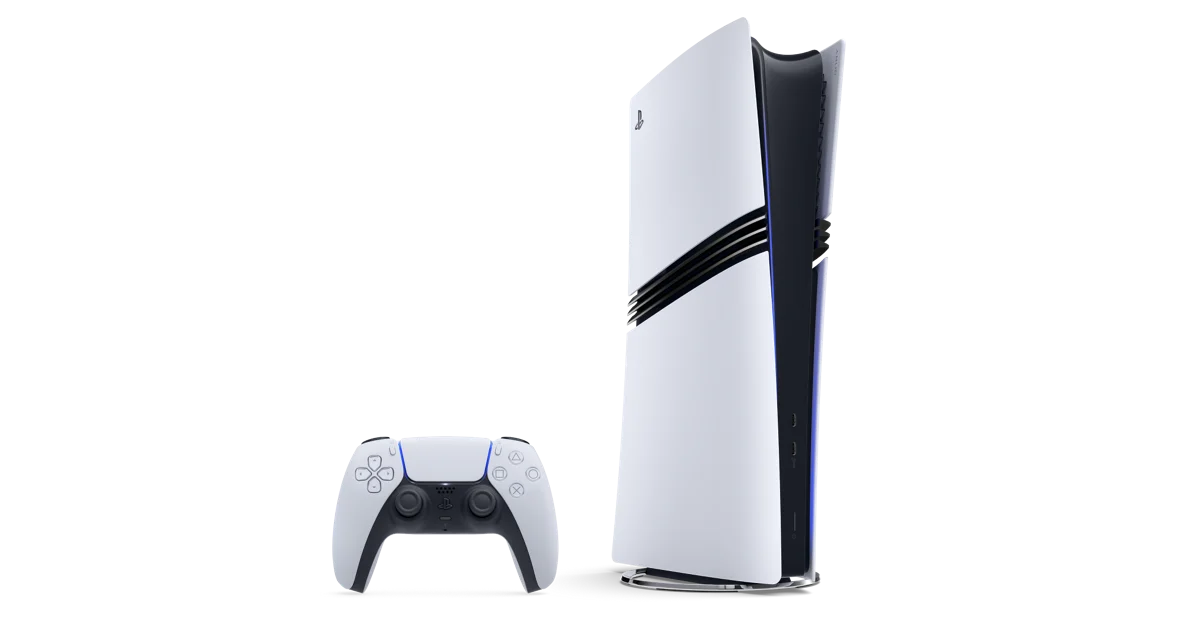
2TB digital console; disc drive and vertical stand sold separately
A standard PS5 remains enough for the same library; include the drive and stand in your cost comparison.
2 published review links
Reviews, comparisons and hands-on reports from tech publishers.