BUYING GUIDE · UPDATED OCTOBER 2026

Best keyboards, mice & webcams (October 2026)

Small daily interactions add up. Focus on comfort, reliability and compatibility at your desk.

Review roundups summarize published reviews; we haven’t tested these products. Links to retailers may earn us a commission. How we work

Our picks at a glance

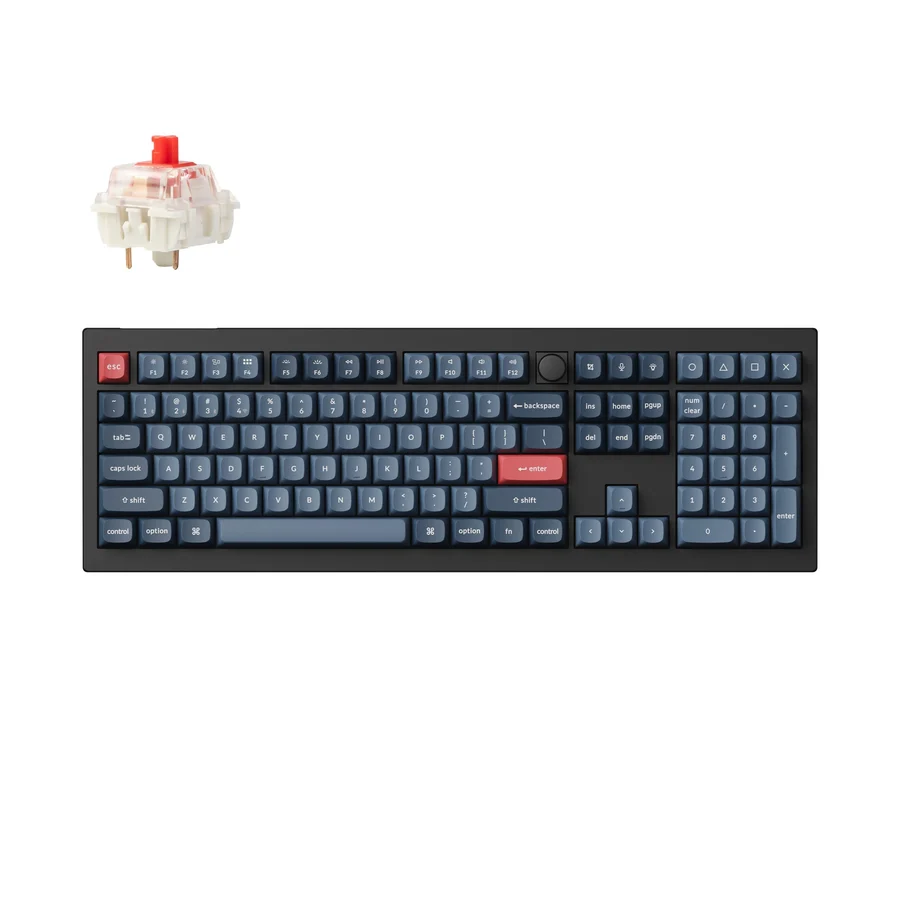
  1. A customizable full-size keyboard for typing and mixed useKeychron V6 Max

    A full-size keyboard with room to make it your own

    3 published review links
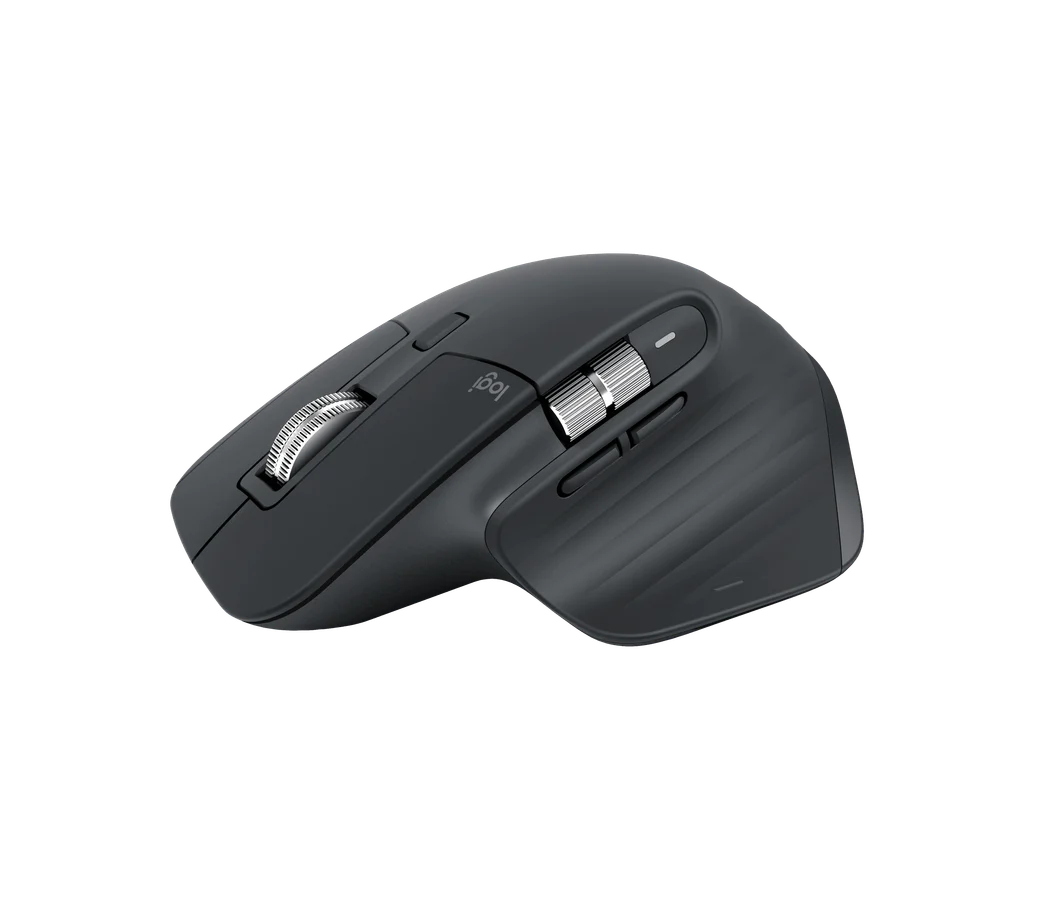
  2. A productivity mouse for scrolling and application shortcutsLogitech MX Master 3S

    A comfortable work mouse if the older model saves money

    3 published review links
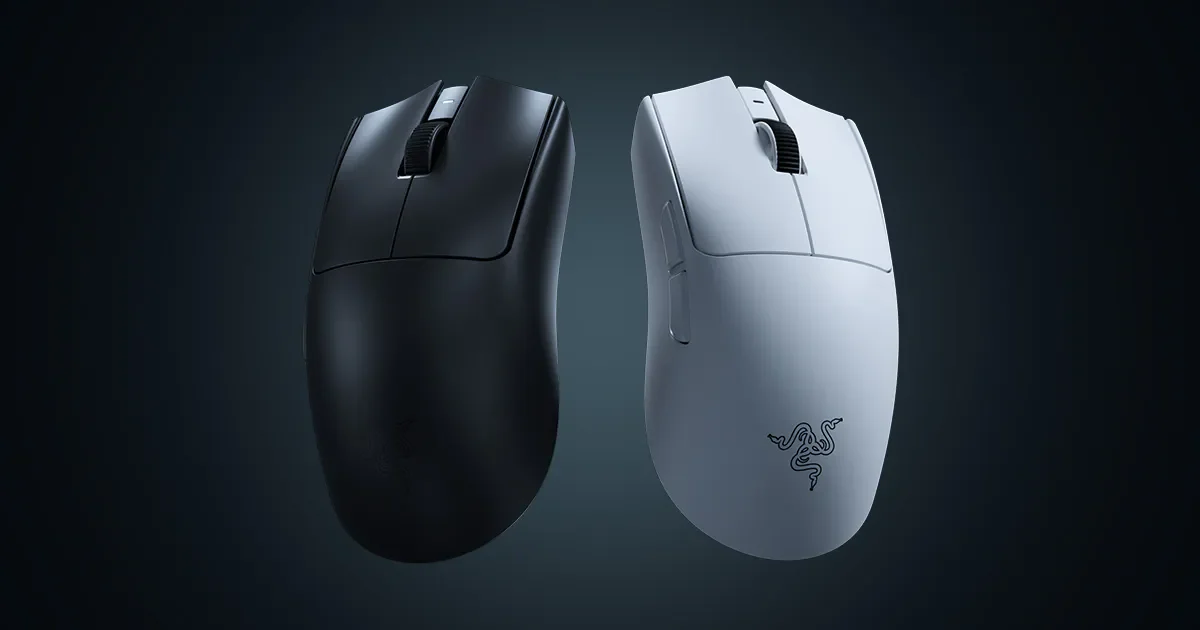
  3. For competitive players who like this shape and will use its low weight.Razer Viper V4 Pro

    For competitive players who like this shape and will use its low weight.

    3 published review links
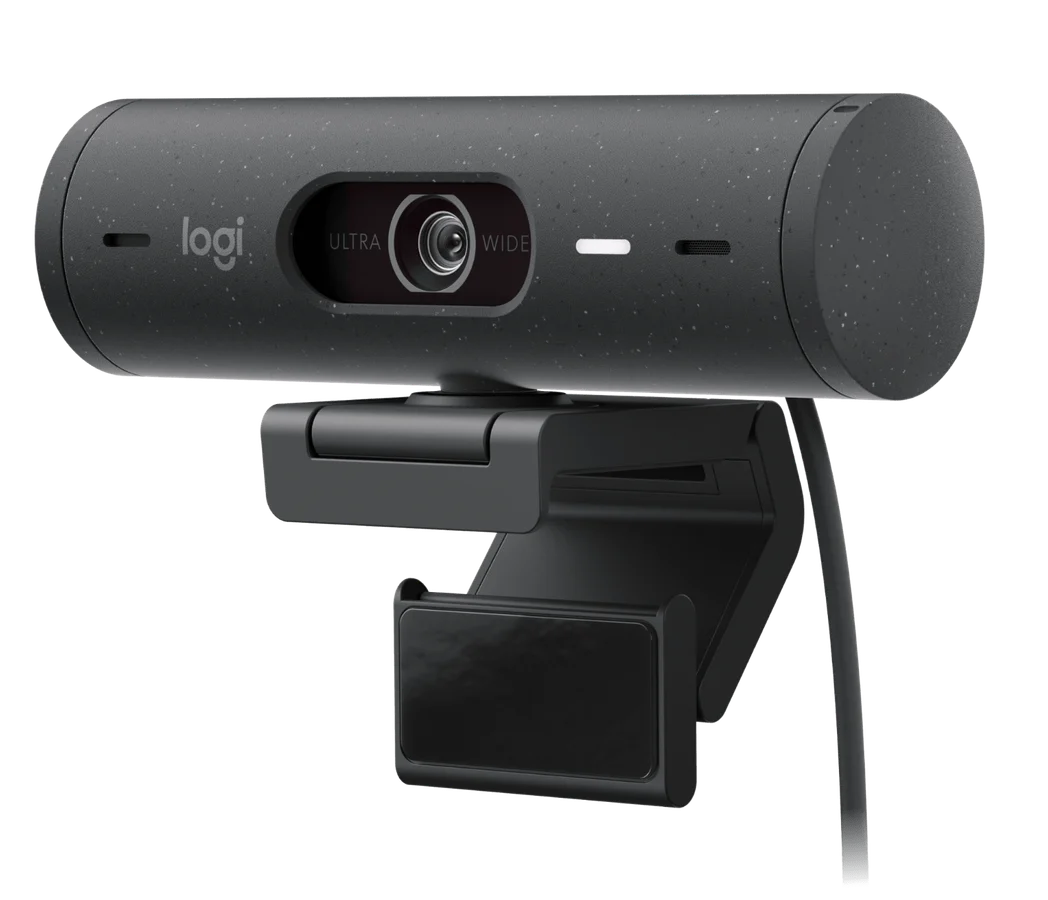
  4. Video calls with useful exposure handling and a privacy shutterLogitech Brio 500

    A useful webcam upgrade without chasing 4K

    2 published review links
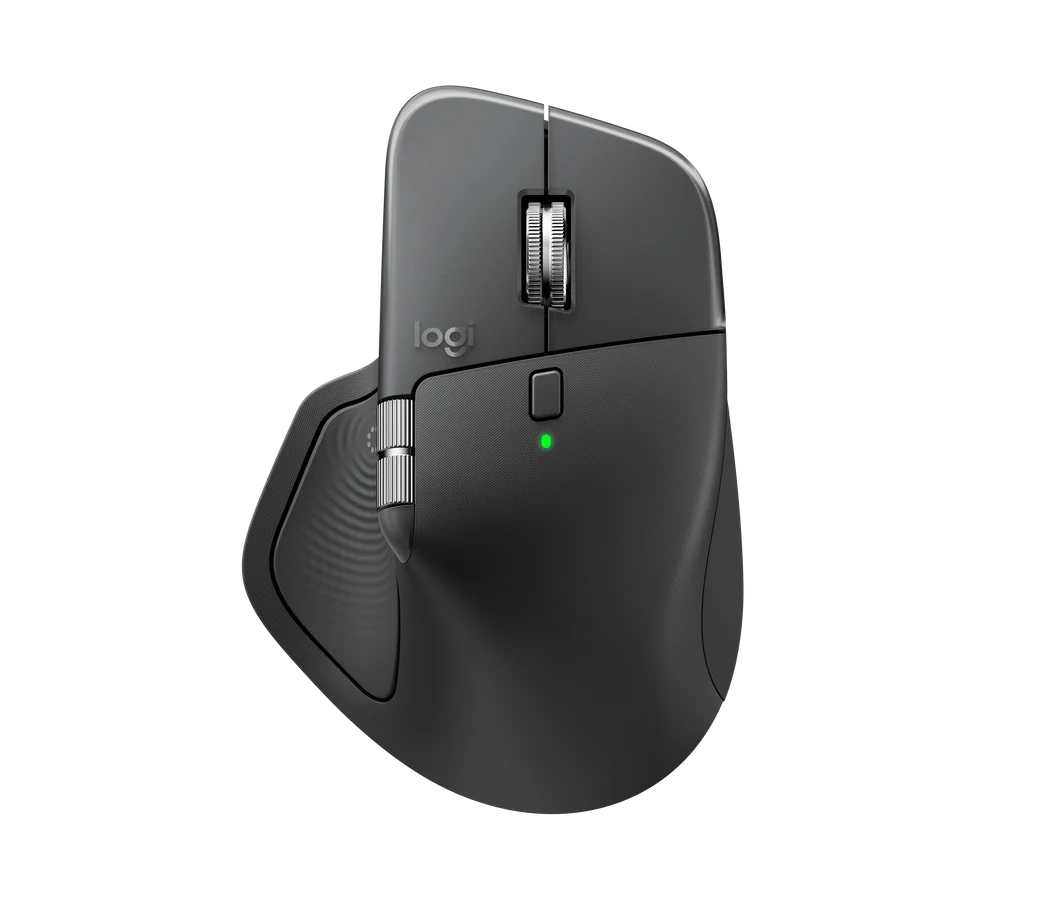
  5. A comfortable work mouse if the shape fits your hand and the extra controls save time.Logitech MX Master 4

    A comfortable work mouse if the shape fits your hand and the extra controls save time.

    2 published review links
Compare the top picks side by side →

What to look for

01

Check layout, size, switches and ergonomics against how you work. A popular shape is not necessarily the right fit for your hands.

02

Look for latency, microphone or image tests relevant to your use. Wireless convenience and battery life should be assessed together.

03

Confirm drivers, configuration software and port bandwidth on your operating system. Include replacement parts and consumables.

Ask yourself: Does this remove a daily annoyance, and will it work without software I cannot run?

The full shortlist

Every pick, with the tradeoffs and alternatives worth considering.

Keychron V6 Max — manufacturer product image
A customizable full-size keyboard for typing and mixed use

Keychron V6 Max

Full-size ANSI, fully assembled; Jupiter switch choice varies

A full-size keyboard with room to make it your own. The V6 Max is a good fit if you want a number pad, replaceable switches and a choice of wired, Bluetooth or 2.4GHz connections. Its size is the main desk-space tradeoff. Check the regional layout and switch option carefully, because those choices affect the everyday typing experience.

3 published review links

Logitech MX Master 3S — manufacturer product image
A productivity mouse for scrolling and application shortcuts

Logitech MX Master 3S

Standard right-handed model; original Bolt bundle, not Mac version

A comfortable work mouse if the older model saves money. Quiet clicks, versatile scrolling and switching between computers make the 3S well suited to office work. It is a large, right-handed mouse rather than a light gaming option. With a newer Master 4 available, the 3S needs a worthwhile saving to remain the better purchase.

3 published review links

Logitech Brio 500 — manufacturer product image
Video calls with useful exposure handling and a privacy shutter

Logitech Brio 500

1080p USB-C webcam; not Brio 4K or Brio 505

A useful webcam upgrade without chasing 4K. The Brio 500 prioritizes reliable exposure, everyday video calls and a physical privacy shutter. That is often more useful than a higher resolution that your meeting software rarely uses. The fixed USB-C cable can be awkward on some desks, so check the connection and reach before buying.
2 published review links

Recent reviews from publishers

The latest coverage we found; article types are inferred.