RTINGS assessment
Versatile scrolling and office features are strengths. The large shape and low polling rate do not suit competitive gaming.
RTINGSKeyboards & peripherals / Review roundup
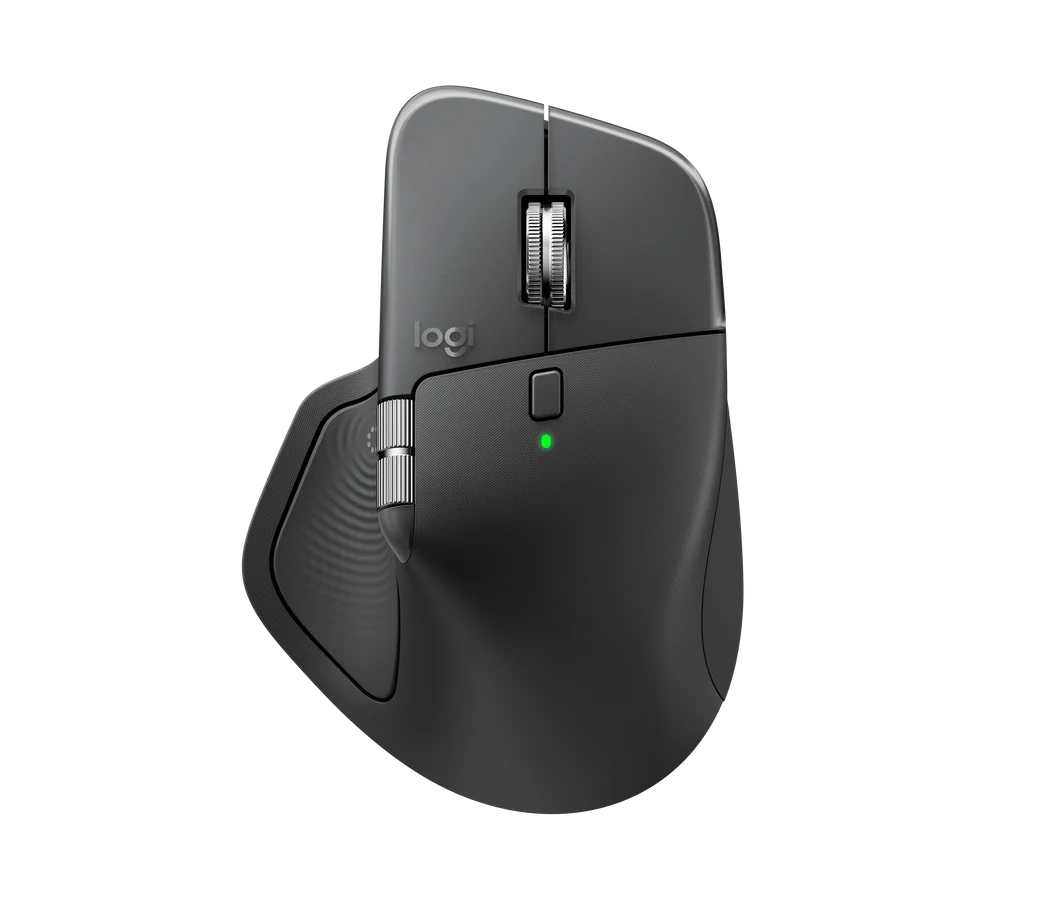
Right-handed productivity mouse; USB-C receiver
Roundup updated 2026-10-03 · 2 assessment sources
What reviewers found
Keep a working 3S unless the haptic shortcuts solve a real problem; choose a lighter mouse for competitive games.
A roundup of published reviews; we haven’t tested this product. How we work
A comfortable work mouse if the shape fits your hand and the extra controls save time.
Large right-handed shape; Advanced controls rely on software
Affiliate links · We may earn a commission.
Versatile scrolling and office features are strengths. The large shape and low polling rate do not suit competitive gaming.
RTINGSThe haptic controls are useful for some workflows, but rely on software and are less compelling as an upgrade from a good Master 3S.
TechRadarA comfortable work mouse if the shape fits your hand and the extra controls save time. Keep a working 3S unless the haptic shortcuts solve a real problem; choose a lighter mouse for competitive games.
RTINGSTechRadarWhat reviewers reported in use; these are qualitative observations, not benchmark scores.
Review observation · Published assessment
Qualitative findingRTINGS: Versatile scrolling and office features are strengths. The large shape and low polling rate do not suit competitive gaming.
RTINGSCheck the configuration: memory, storage and cooling can vary between models.
TechRadar · Review ·
The haptic controls are useful for some workflows, but rely on software and are less compelling as an upgrade from a good Master 3S.
The haptic controls are useful for some workflows, but rely on software and are less compelling as an upgrade from a good Master 3S.
Publisher group: Future
RTINGS
Versatile scrolling and office features are strengths. The large shape and low polling rate do not suit competitive gaming.
Versatile scrolling and office features are strengths. The large shape and low polling rate do not suit competitive gaming.
Publisher group: RTINGS