BUYING GUIDE · UPDATED OCTOBER 2026

Best Wi-Fi routers & mesh (October 2026)

Reliable coverage and usable connections matter more than the biggest number on the router box.

Review roundups summarize published reviews; we haven’t tested these products. Links to retailers may earn us a commission. How we work

Our picks at a glance

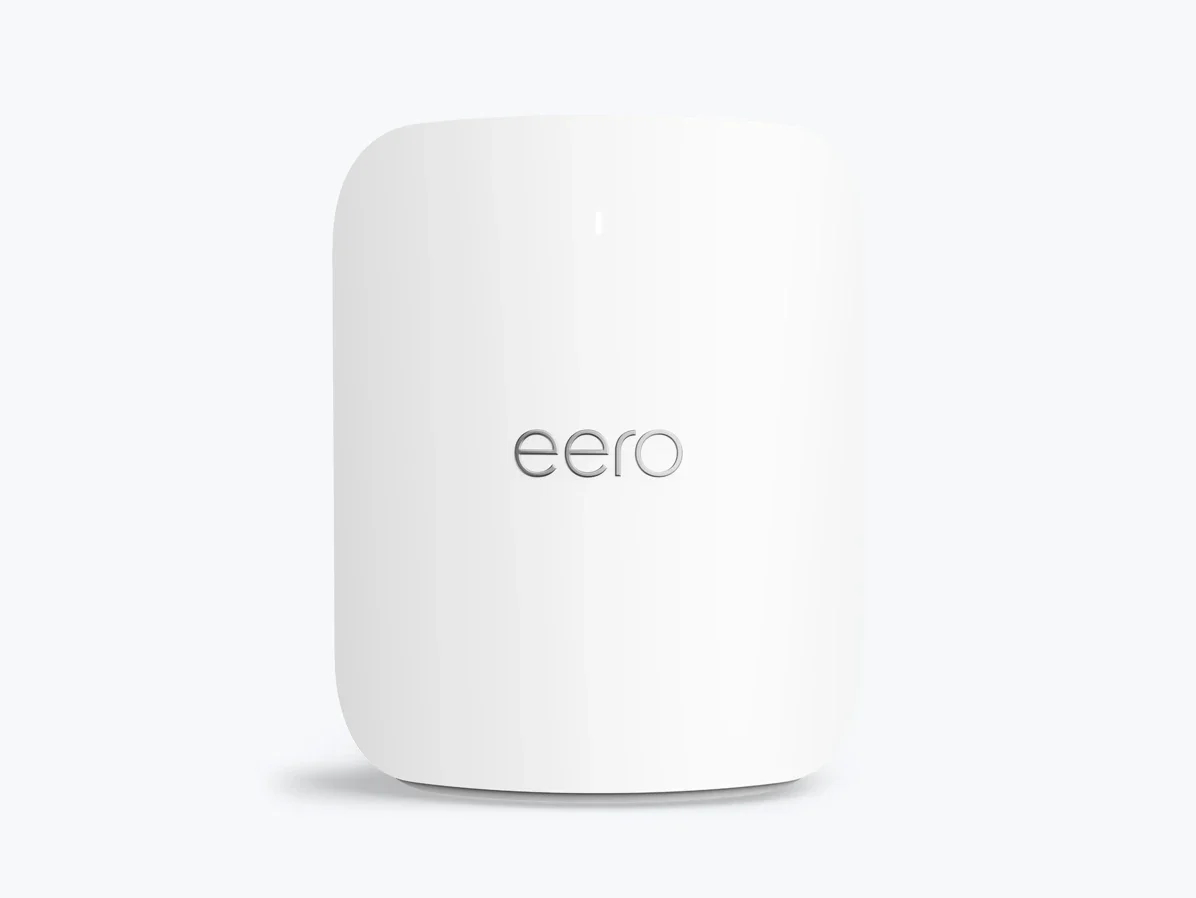
  1. Simple app-managed Wi-Fi with multi-gigabit portseero Pro 7

    Easy mesh networking, with a few recurring tradeoffs

    3 published review links
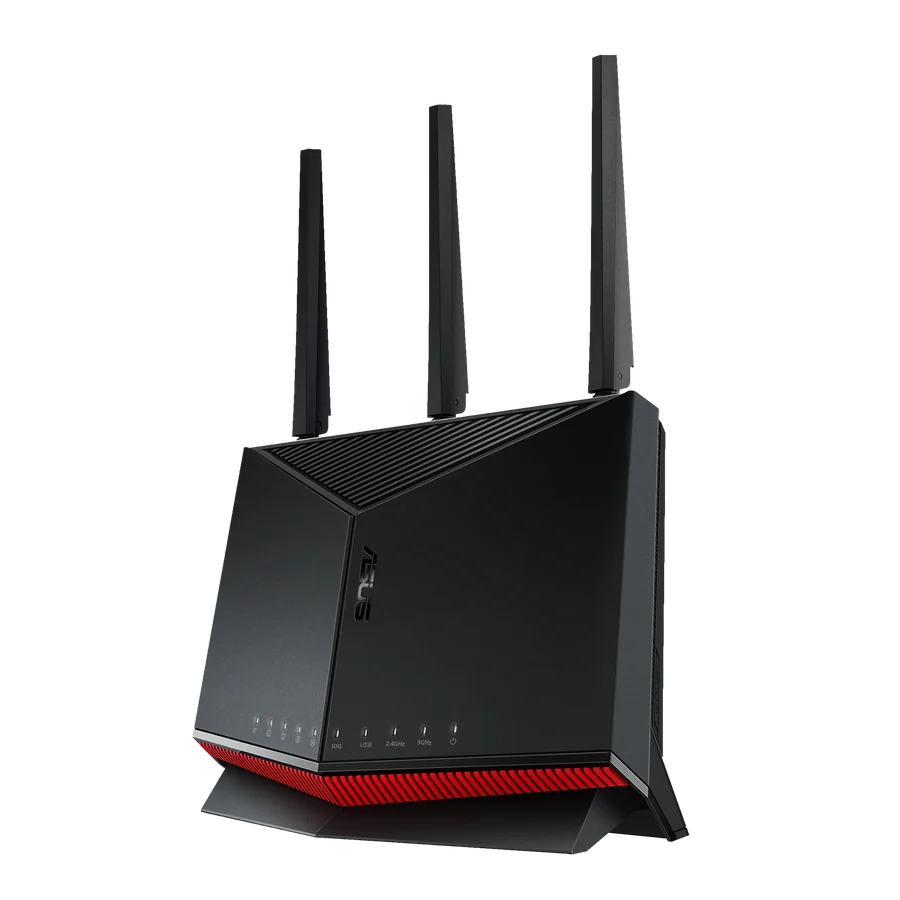
  2. For a single-router home that values Ethernet ports and detailed controls more than a 6GHz radio.ASUS RT-BE86U

    For a single-router home that values Ethernet ports and detailed controls more than a 6GHz radio.

    2 published review links
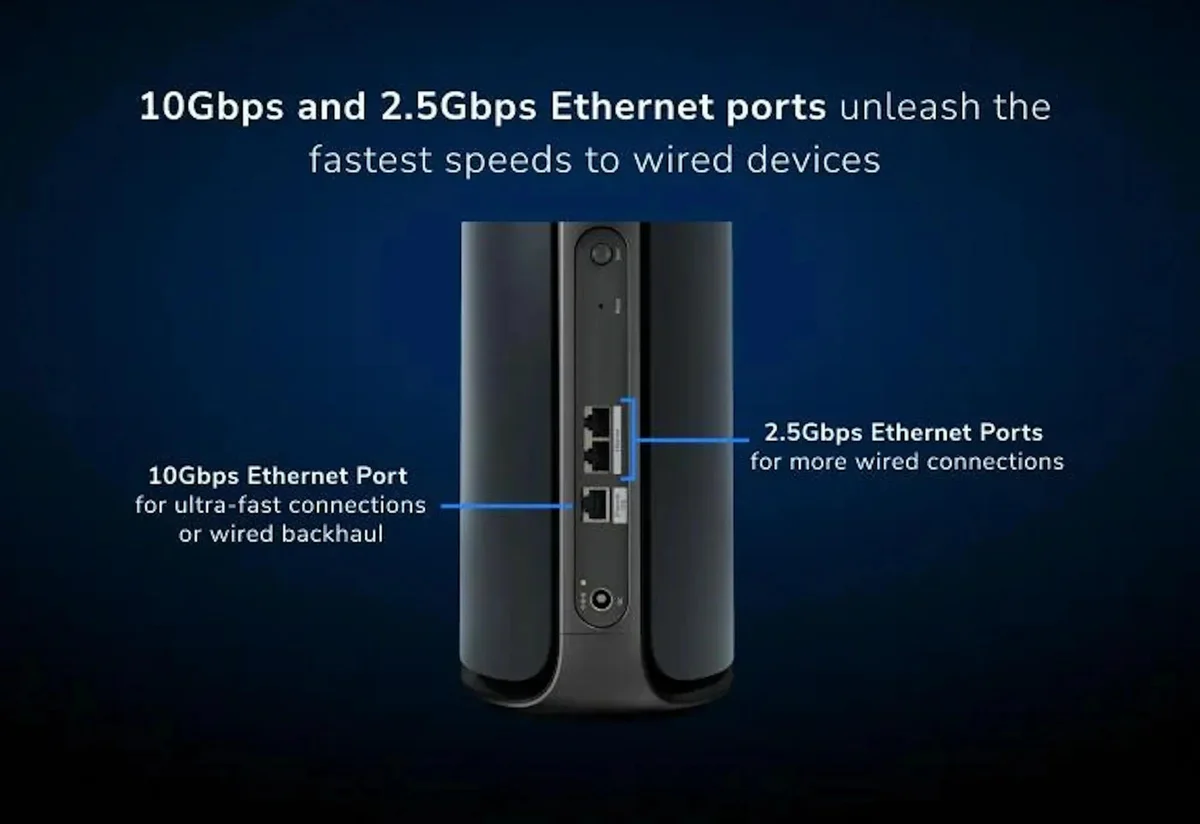
  3. For a large home that really needs fast wireless backhaul.Netgear Orbi 970 three-pack

    For a large home that really needs fast wireless backhaul.

    2 published review links
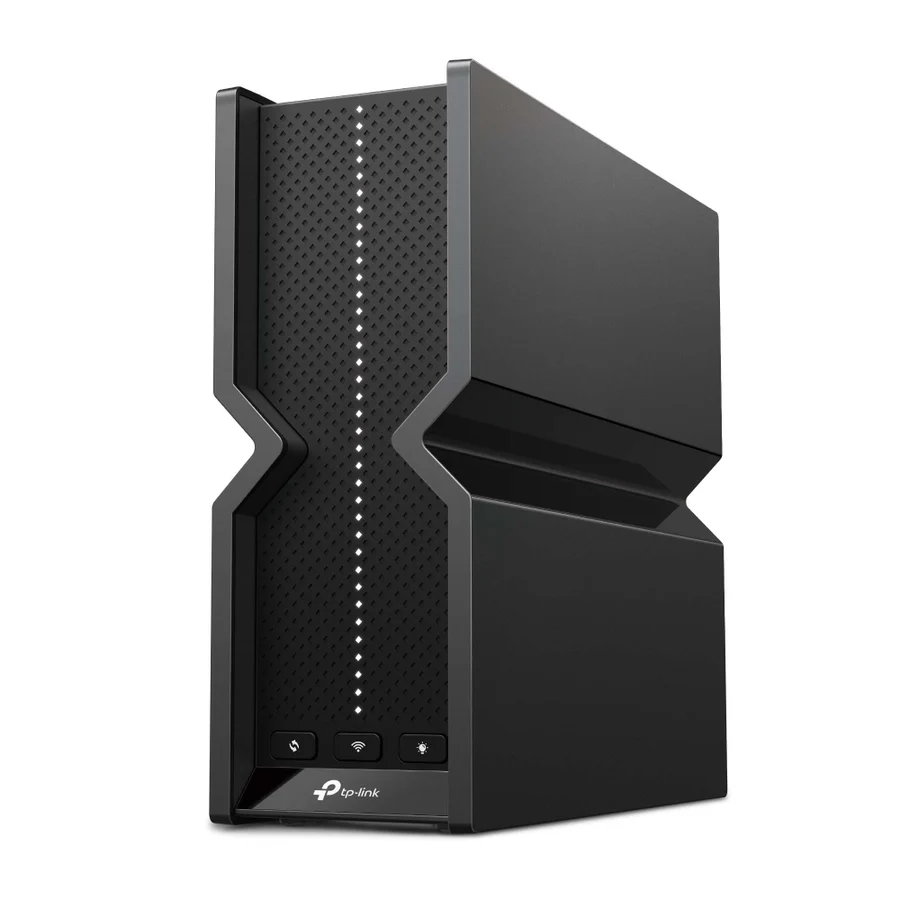
  4. Multi-gigabit wired devices and a Wi-Fi 7 home upgradeTP-Link Archer BE550

    Start here before paying for a whole mesh system

    2 published review links
  5. Improving coverage without paying for Wi-Fi 7TP-Link Deco X55 (3-pack)

    More coverage without paying for Wi-Fi 7

    2 published review links
Compare the top picks side by side →

What to look for

01

Identify whether the problem is coverage, congestion, your internet plan or a slow wired connection before upgrading.

02

Compare tests through walls and across multiple clients. Check whether a mesh review uses wired or wireless backhaul.

03

Check Ethernet port speeds, security-update commitments and whether useful management features require a subscription.

Ask yourself: Will this fix the weak rooms and busy hours in my home, rather than just win a close-range speed test?

The full shortlist

Every pick, with the tradeoffs and alternatives worth considering.

eero Pro 7 — manufacturer product image
Simple app-managed Wi-Fi with multi-gigabit ports

eero Pro 7

One tri-band Wi-Fi 7 unit; mesh packs cost extra

Easy mesh networking, with a few recurring tradeoffs. Tri-band Wi-Fi 7 and 5GbE make the Pro 7 appealing for a fast home network with newer devices. Its simple app is part of the attraction, but some extras require a subscription and each node has only two Ethernet ports. Compare the number of nodes included before judging a deal.

3 published review links

TP-Link Archer BE550 US — manufacturer product image
Multi-gigabit wired devices and a Wi-Fi 7 home upgrade

TP-Link Archer BE550

US tri-band BE9300 Wi-Fi 7 standalone router

Start here before paying for a whole mesh system. A single well-placed BE550 can be the more sensible purchase when one router covers your home. Its 2.5GbE ports and Wi-Fi 7 support leave room for faster devices. Those features do not fix poor placement or make older clients faster, so buy mesh only when coverage is the actual problem.

2 published review links

TP-Link Deco X55 US 3-pack, Wi-Fi 6 — manufacturer product image
Improving coverage without paying for Wi-Fi 7

TP-Link Deco X55 (3-pack)

US AX3000 Wi-Fi 6, non-Pro, three units

More coverage without paying for Wi-Fi 7. This three-pack is for a home that needs wider coverage more than the latest wireless standard. Wired backhaul is worth using when possible; otherwise, walls and the link between nodes can limit speeds. There is no 6GHz band, so the X55 is a value choice rather than a match for premium tri-band mesh.
2 published review links

Recent reviews from publishers

The latest coverage we found; article types are inferred.