
MODEL 02
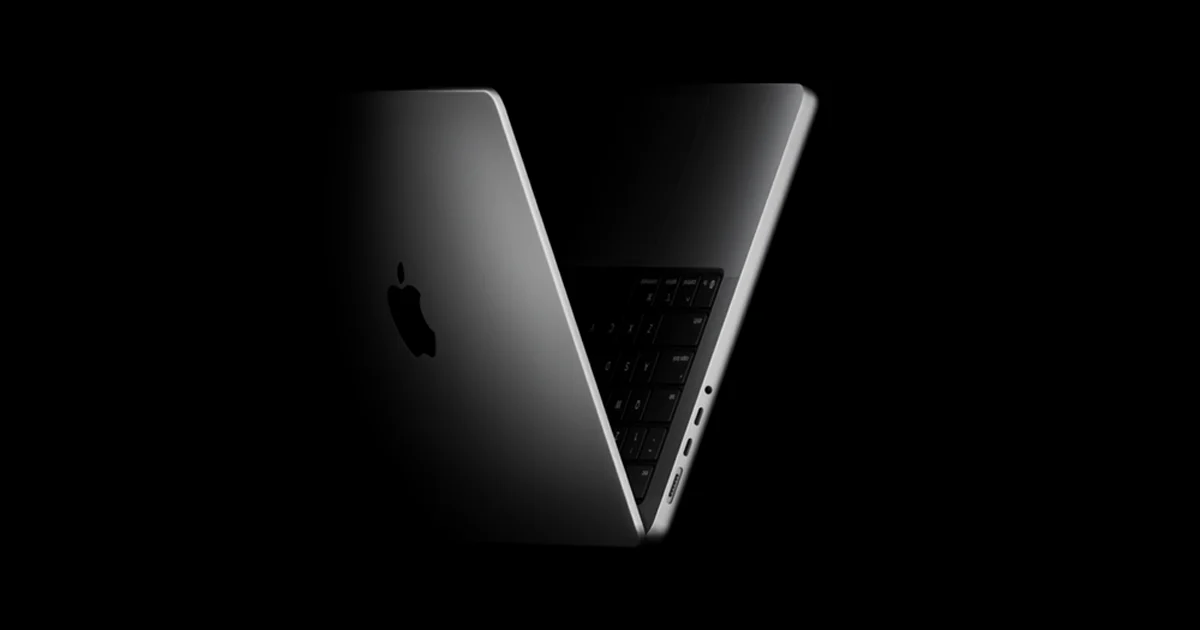
Apple MacBook Pro 14 M5
2025 base M5, 16GB / 512GB; review samples also use higher memory and storage
Which tradeoff works for you?
Check the applications you use and the exact tested configuration. Core counts and clock speeds alone cannot establish application performance.
No shared measurement establishes a winner for this priority. Use the reported features and review tradeoffs below to narrow the choice.
Chuwi UniBook
Who it suitsPeople comparing an exact computer configuration for their apps and workload
Reported features for apps & demanding work
- Processor
- Intel Core 3 304 (5C/5T, up to 4.3GHz)
Sources
Wccftech ↗ - Storage
- 256GB PCIe 3.0 SSD
Sources
Wccftech ↗
Tradeoff to weigh
Wccftech · Small Trackpad and Fingerprint Sensitivity; Tom’s Hardware: Tom’s Hardware found weaker performance than the MacBook Neo and Dell XPS 13 it compared, along with disappointing screen, speaker and webcam quality.
What reviewers found
Wccftech · Long Battery Life
The laptop delivered almost 15 hours of casual work, 11 to 12 hours of video streaming, and minimal standby battery drain.
Wccftech ↗Ports and everyday use
Tom’s Hardware liked the broad port selection and respectable battery endurance for everyday work.
Tom’s Hardware ↗Apple MacBook Pro 14 M5
Who it suitsChoose the Pro over an Air for its display, ports and sustained work.
Reported features for apps & demanding work
- Processor
- Apple M5
Sources
Tom’s Guide ↗ - CPU cores
- 10
Sources
Tom’s Guide ↗ - GPU cores
- 10
Sources
Tom’s Guide ↗
Tradeoff to weigh
Expensive configuration upgrades; Memory cannot be upgraded later
What reviewers found
Who should buy it
Choose the Pro over an Air for its display, ports and sustained work. Decide on memory before purchase; heavier development and media workflows can outgrow the selected 16GB configuration.
Tom’s Guide ↗Notebookcheck ↗What Tom’s Guide found
The 32GB/1TB sample improves performance and SSD speed, with useful ports and strong endurance. Those results are not a direct test of this base capacity.
Tom’s Guide ↗Does the price gap buy something you need?
Enter the prices you can buy at to compare the real premium. A launch price or a higher model number does not establish better value.
3 specification differences0 matching specifications0 tests comparing these models13 specifications to check
What actually changes
Specifications reported for every selected model. A difference does not automatically mean better.
Processor
- Chuwi UniBook
- Intel Core 3 304 (5C/5T, up to 4.3GHz)
Source
Wccftech ↗ - Apple MacBook Pro 14 M5
- Apple M5
Source
Tom’s Guide ↗
Storage
- Chuwi UniBook
- 256GB PCIe 3.0 SSD
Source
Wccftech ↗ - Apple MacBook Pro 14 M5
- 512 GB SSD
Source
Tom’s Guide ↗
Screen size
- Chuwi UniBook
- 14 Inch
Source
Wccftech ↗ - Apple MacBook Pro 14 M5
- 14.2-inch
Source
Tom’s Guide ↗
Measured differences
Compare results from the same test and settings.
We don’t have matching benchmark results for these models yet. Compare their features and review findings above.
Specifications to check (13 fields)
Some details are missing or differ between sources. Check them before buying.
- CPU cores · Chuwi UniBook: not reported
- GPU cores · Chuwi UniBook: not reported
- Memory · Chuwi UniBook: not reported
- Cooling · Chuwi UniBook: not reported
- Panel family · Chuwi UniBook: not reported
- Refresh rate · Chuwi UniBook: not reported
- Resolution · Chuwi UniBook: not reported
- Battery capacity · Apple MacBook Pro 14 M5: not reported
- Charging · Chuwi UniBook: not reported
- Ports · Chuwi UniBook: not reported
- Wireless · Apple MacBook Pro 14 M5: not reported
- Upgrades · Chuwi UniBook: not reported
- OS · Apple MacBook Pro 14 M5: not reported
We don’t have matching benchmark results for these models yet. Compare their specifications and review findings above.