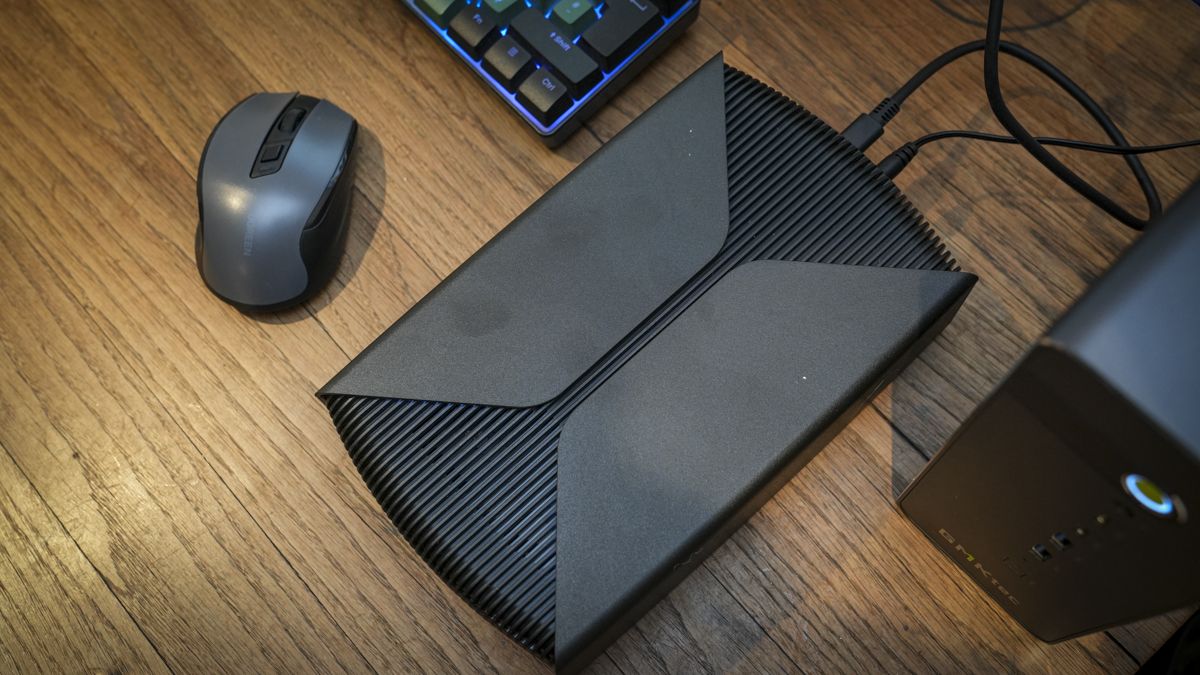
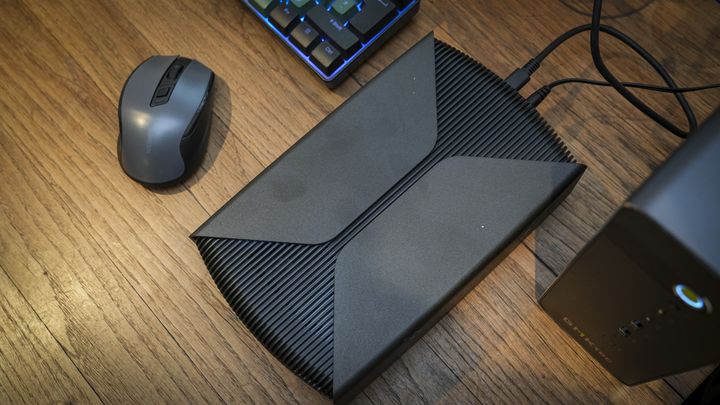
Seagate has unveiled the FireCuda Forge, a USB4 external desktop drive offered in 8TB and 20TB capacities. According to Tom’s Hardware, pricing is set at $699 for the 8TB model and $899 for the 20TB version, while TechRadar notes UK pricing is expected to be around £900 for the 20TB edition. The enclosure features an AC power adapter, arrives pre-formatted in NTFS, and works with Windows 11 as well as macOS 26 or later, though Mac users must reformat for standard read-write capabilities. [1][2]
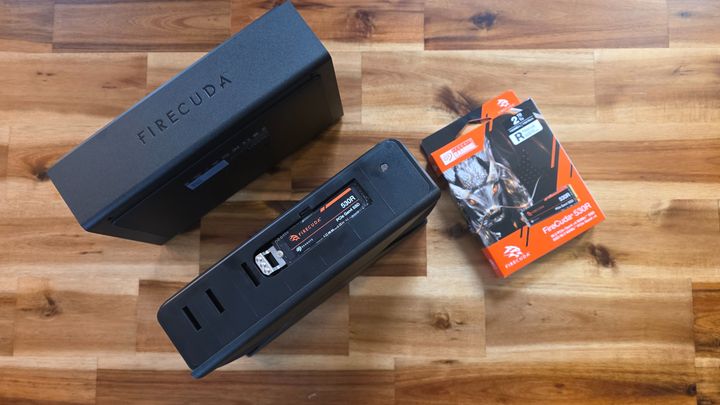
The drive does not function out of the box until buyers provide and install an M.2 2280 NVMe solid-state drive into an internal side slot. Seagate advises installing a 1TB drive equipped with DRAM cache, running at PCIe Gen 3 or newer speeds. Rather than showing up as two separate storage volumes, the device relies on Seagate Alkemi software to unify the hardware into a single pool. Alkemi automatically caches transfers and routes frequently accessed files to the faster solid-state module, yielding transfer speeds hovering around 2,000MB/s. [1][2]
Seagate points to machine learning as part of Alkemi's active data prioritization, though it specifically emphasizes that no generative AI is used. Tom’s Hardware observes that the design resurrects tiered hybrid storage at a time when pure solid-state drives remain pricey, making the setup particularly compelling at the 20TB tier where standalone consumer SSD options are virtually nonexistent. [2]