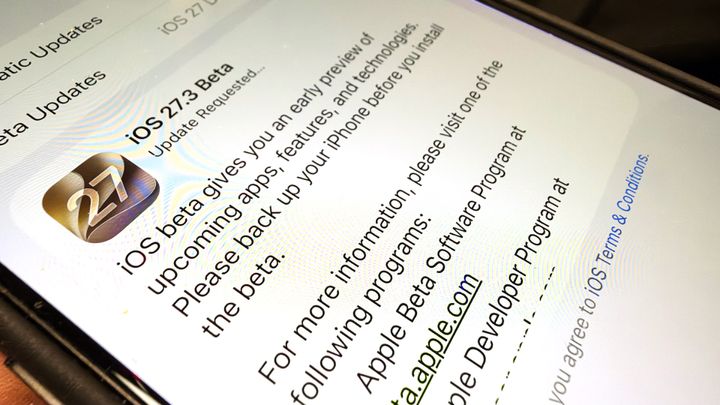
Apple has rolled out developer betas for iOS 27.3, iPadOS 27.3, and macOS 27.3, introducing several major updates to Safari. The test software includes a vertical tab layout, an Adaptive Dark Mode system, and expanded browser controls powered by Siri AI. A public beta is planned soon, with a broader general release expected in December. [2][3]
The new tab interface places open web pages along the left side of the window rather than across the top. Vertical tabs appear as icons by default to conserve space, though users can resize the bar to view page titles. Mac and iPad users can switch views through Safari's menu, while iPhone users can configure the setting through the iOS Settings app. In addition, Macworld reports the option is available on the iPhone Duo. [2][3]
Alongside the interface redesign, Adaptive Dark Mode automatically converts light-themed websites that lack native dark themes, with options to trigger the behavior automatically or per site. Siri AI also gains browser controls to organize, move, and close tabs or clear cache data on compatible devices. According to 9to5Mac, the arrival of vertical tabs follows the rise of the layout in rival browsers such as Arc, which is scheduled for discontinuation in December. [2][3]