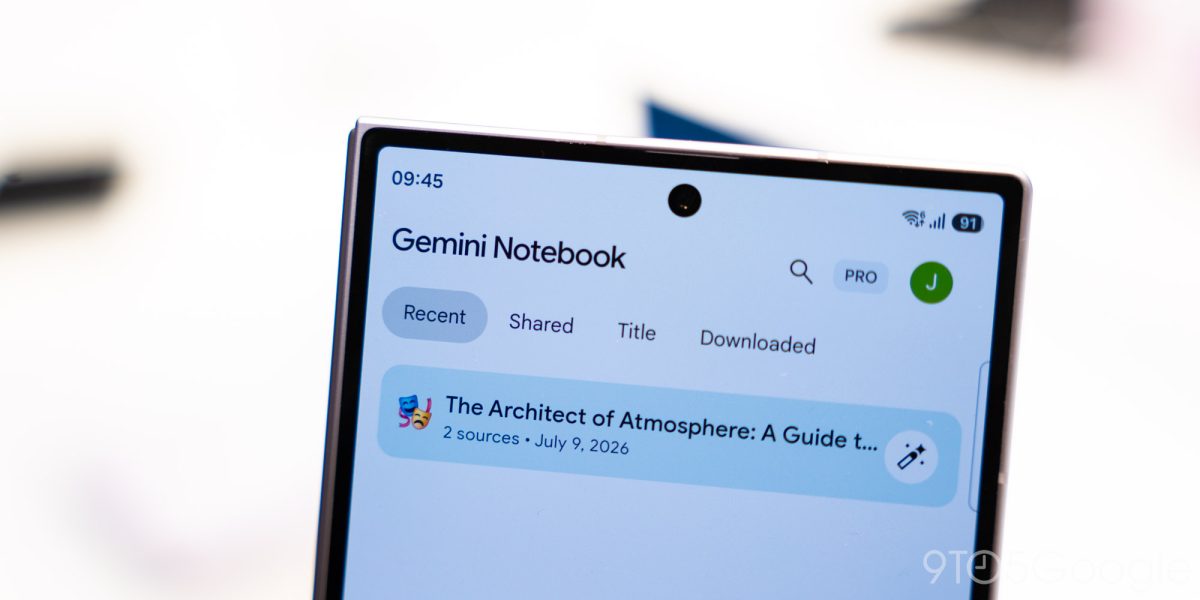

Gemini Notebook for Android, iOS adds built-in audio recorder
After introducing Connected App integration last week, Gemini Notebook has rolled out an audio recorder on Android and iOS.
via 9to5GoogleReported by 3 outlets
The story so far
AI summary of the reporting below · Updated · How we work
Google has rolled out an audio recording feature inside the Gemini Notebook app for both Android and iOS. The new tool allows users to record spoken thoughts or lectures and insert them directly alongside notebook sources. Android Authority spotted the feature in Android app version 1.63.1002728510 and confirmed it is also present on iOS, noting that availability appears broad rather than limited to the United States. [2][3]
Users can start a session by tapping a microphone icon on the home screen to generate a new notebook, or by opening the Sources tab inside an existing notebook. The interface displays a waveform, a live counter, and a pause control, with a checkmark to begin uploading the audio once finished. Recordings can run in the background while using other apps or with the screen locked, but Google enforces a 1-hour capture limit. [2][3]
The addition builds on earlier Gemini Notebook updates, including Connected App integration and a Live button in the Chat tab for real-time notebook conversations. However, Android Authority notes early drawbacks compared to Google's dedicated Pixel Recorder app, reporting that the tool is nearly useless offline and that file deletion currently appears broken. [2][3]
After introducing Connected App integration last week, Gemini Notebook has rolled out an audio recorder on Android and iOS.
via 9to5Google
This Gemini Notebook feature could've spent more time in the oven.
via Android Authority