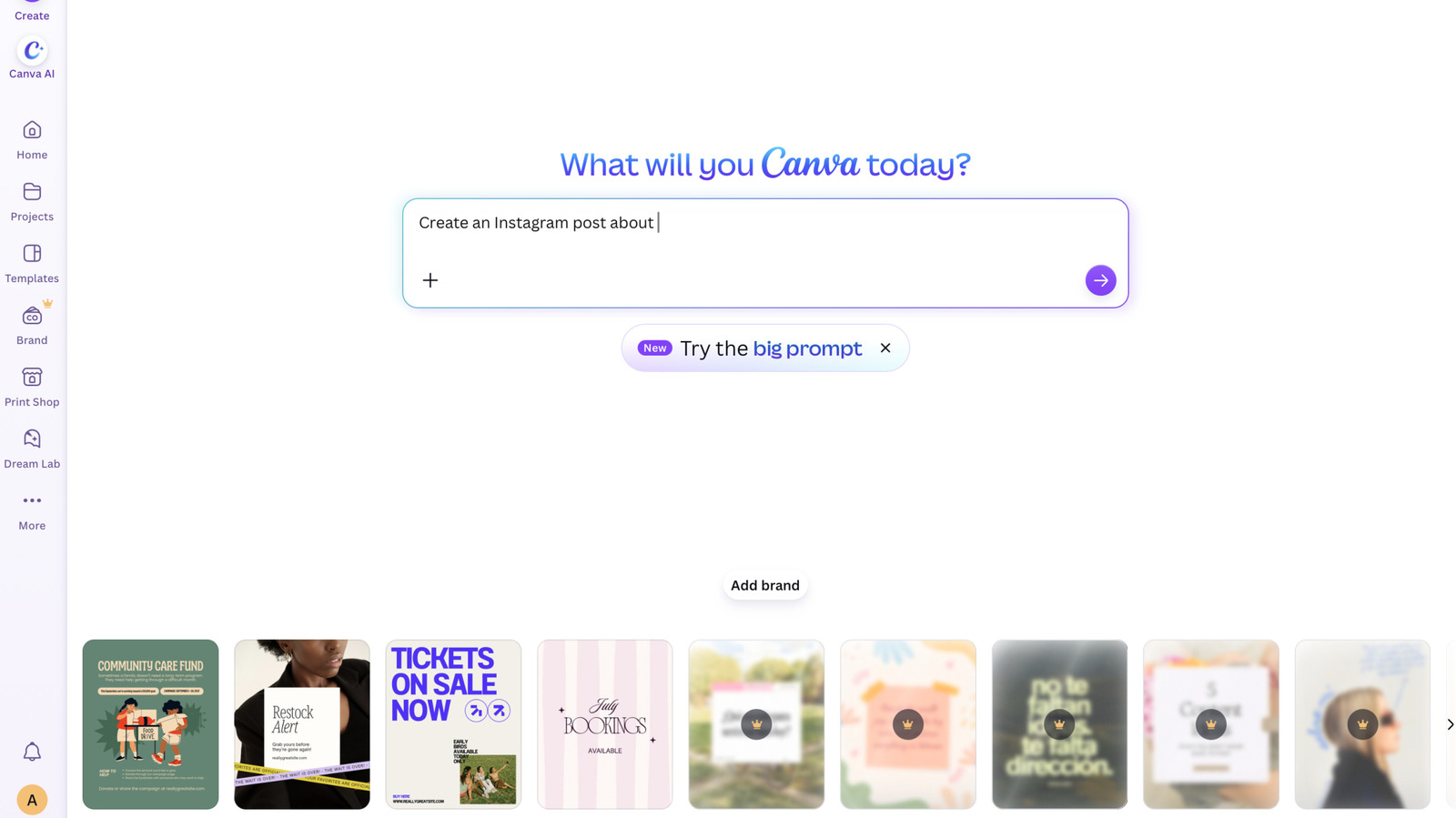
Canva rolled out two new settings on November 19, 2026, enabling Free and Pro members to hide generative AI tools and filter out synthetic content at no extra cost. Users can disable supported generative capabilities through a toggle under their profile permissions, which turns off utilities like the chatbot image generator and the Magic Expand photo tool. [3][2][1]
A second setting inside account personalization lets creators cut down on the number of AI-generated templates and elements shown in search results and recommendations. However, Canva notes this switch does not completely block AI assets, and non-generative editing tools like Background Remover and Magic Grab remain active because they edit only existing content without applying AI metadata labels. [3][2]
The update builds on existing administrative controls previously reserved for Business, Enterprise, Teams, and Education accounts. Canva says the additions respond to community feedback from users who want a direct way to find human-made assets and choose how automated tools fit into their design work. [3]