Which tradeoff works for you?
Match size and panel to your room and work. Refresh specifications and HDR support do not establish measured brightness, contrast or motion quality.
No shared measurement establishes a winner for this priority. Use the reported features and review tradeoffs below to narrow the choice.
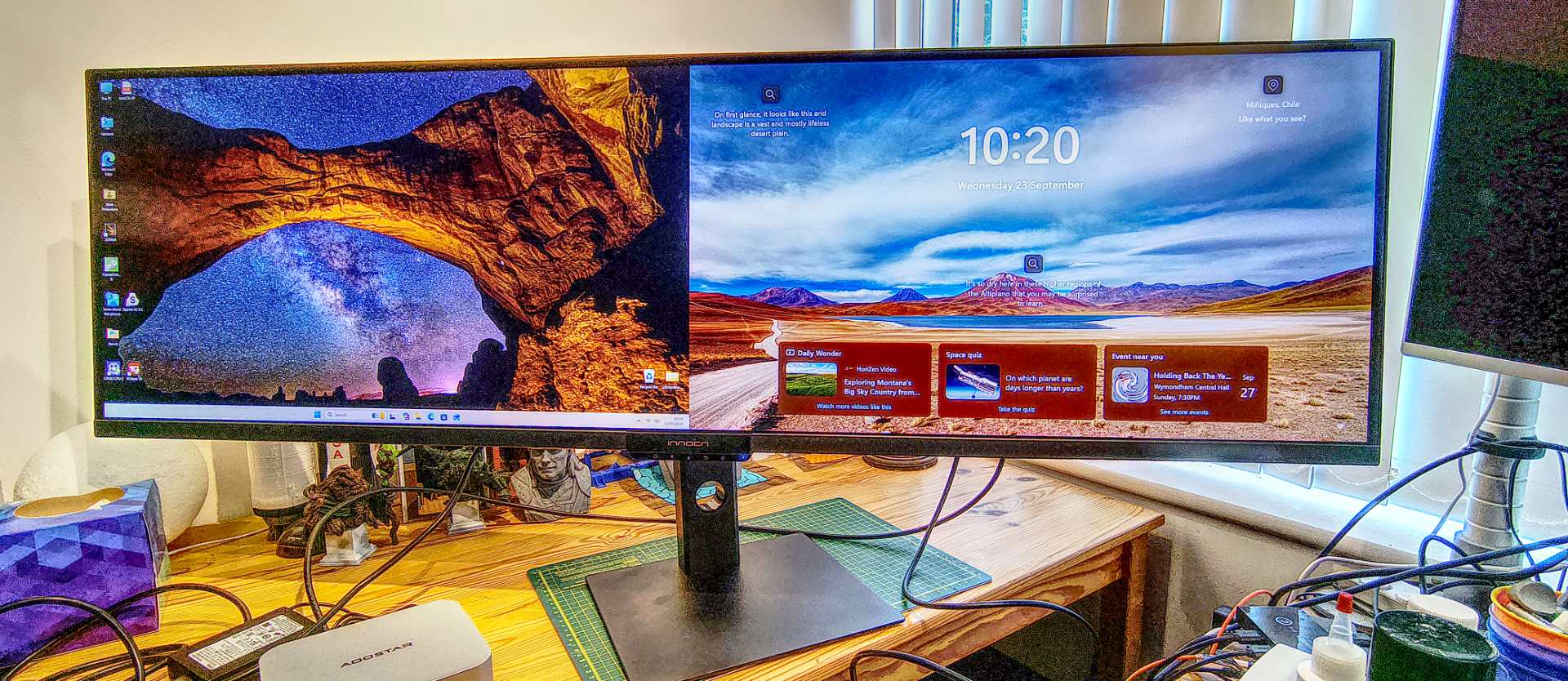
Innocn E49M1R
Who it suitsPeople checking screen size, room lighting and work or entertainment needs
Reported features for screen & picture
- Panel family
- VA, Mini LED backlit
Sources
TechRadar ↗ - Resolution
- 5120 x 1440 (5K DQHD)
Sources
TechRadar ↗ - Refresh rate
- 165Hz
Sources
TechRadar ↗
Tradeoff to weigh
TechRadar · Viewing Distance Disparity; TechRadar · Lack of Integrated KVM
What reviewers found
TechRadar · Lack of Integrated KVM
Despite having a built-in USB hub and multi-input display capability, the monitor lacks an integrated KVM switch.
TechRadar ↗TechRadar · Strong Gamut and Contrast
The screen offers great color gamut coverage and contrast, resulting in highly readable text and vibrant image presentation.
TechRadar ↗LG UltraGear 25G590B
Who it suitsPeople checking screen size, room lighting and work or entertainment needs
Reported features for screen & picture
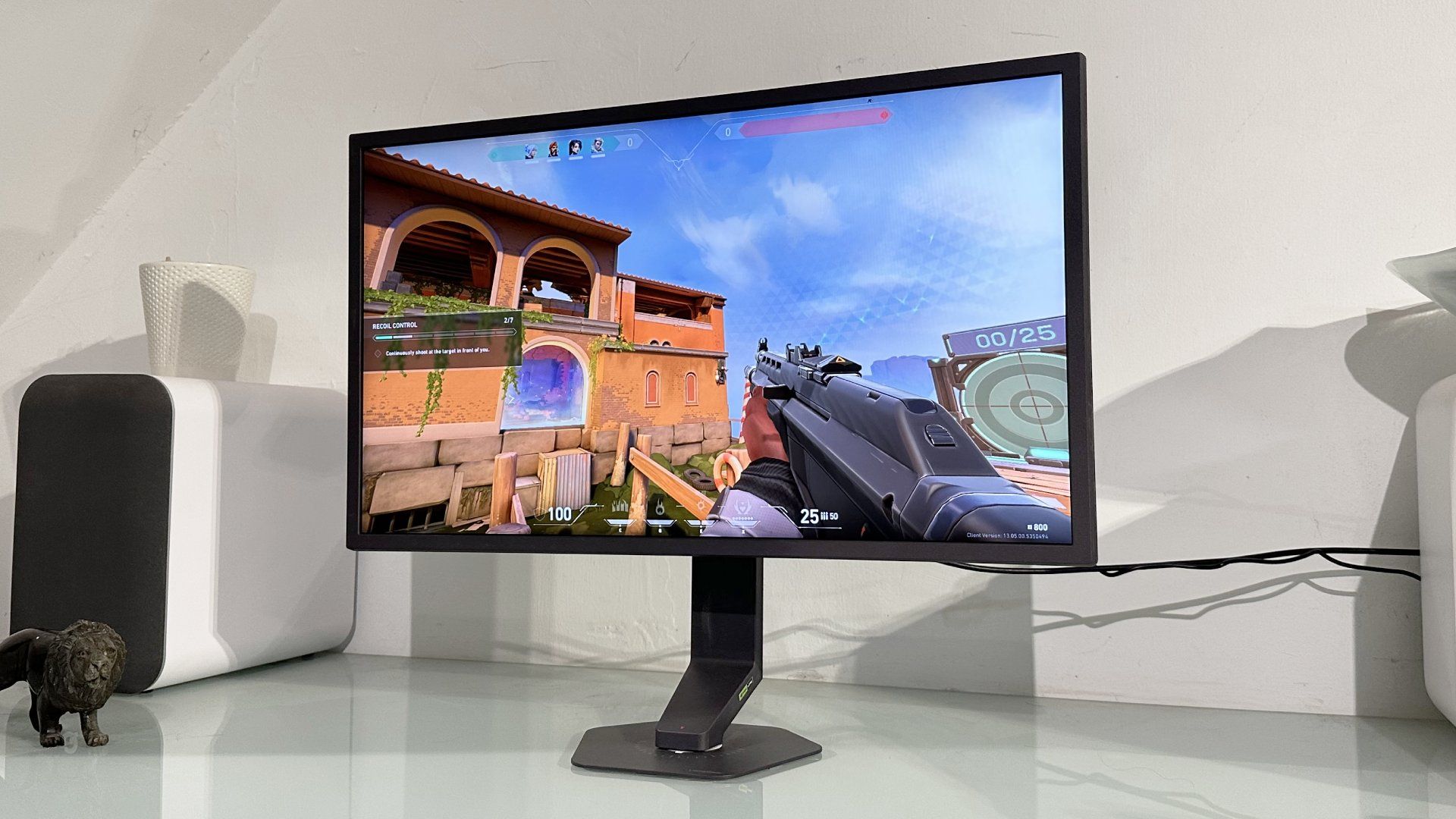
- Screen size
- 25-inch
Sources
PC Gamer ↗ - Resolution
- 1,920 x 1,080
Sources
PC Gamer ↗ - Refresh rate
- 1,000 Hz @ 1080p (1,100 Hz overclock)
Sources
PC Gamer ↗
Tradeoff to weigh
PC Gamer · Diminishing Motion Clarity; PC Gamer · Poor Pixel Density
What reviewers found
PC Gamer · Underwhelming Backlight Strobing
The Motion Blur Reduction feature significantly reduces brightness while delivering little observable benefit at maximum refresh rates.
PC Gamer ↗PC Gamer · High DisplayPort Bandwidth Requirement
Achieving the full 1,000 Hz refresh rate requires a GPU that supports the DisplayPort 2.1 standard.
PC Gamer ↗Does the price gap buy something you need?
Enter the prices you can buy at to compare the real premium. A launch price or a higher model number does not establish better value.
What actually changes
Specifications reported for every selected model. A difference does not automatically mean better.
Resolution
- Innocn E49M1R
- 5120 x 1440 (5K DQHD)
Source
TechRadar ↗ - LG UltraGear 25G590B
- 1,920 x 1,080
Source
PC Gamer ↗
Refresh rate
- Innocn E49M1R
- 165Hz
Source
TechRadar ↗ - LG UltraGear 25G590B
- 1,000 Hz @ 1080p (1,100 Hz overclock)
Source
PC Gamer ↗
Brightness
- Innocn E49M1R
- 450 nits quoted
Source
TechRadar ↗ - LG UltraGear 25G590B
- 400 nits
Source
PC Gamer ↗
HDR
- Innocn E49M1R
- HDR1000
Source
TechRadar ↗ - LG UltraGear 25G590B
- DisplayHDR 400
Source
PC Gamer ↗
Response time
- Innocn E49M1R
- 8ms GtG, 2ms with overdrive
Source
TechRadar ↗ - LG UltraGear 25G590B
- 1 ms
Source
PC Gamer ↗
Measured differences
Compare results from the same test and settings.
We don’t have matching benchmark results for these models yet. Compare their features and review findings above.
Specifications to check (16 fields)
Some details are missing or differ between sources. Check them before buying.
- Panel family · LG UltraGear 25G590B: not reported
- Screen size · Innocn E49M1R: not reported
- Panel size · LG UltraGear 25G590B: not reported
- VESA mount · LG UltraGear 25G590B: not reported
- Weight with stand · LG UltraGear 25G590B: not reported
- Power consumption · LG UltraGear 25G590B: not reported
- Features · Innocn E49M1R: not reported
- Adaptive sync · LG UltraGear 25G590B: not reported
- Aspect ratio · LG UltraGear 25G590B: not reported
- Colour depth · LG UltraGear 25G590B: not reported
- Connectivity · LG UltraGear 25G590B: not reported
- Contrast ratio · LG UltraGear 25G590B: not reported
- Local dimming zones · LG UltraGear 25G590B: not reported
- Model · LG UltraGear 25G590B: not reported
- Speakers · LG UltraGear 25G590B: not reported
- Stand adjustment · LG UltraGear 25G590B: not reported
We don’t have matching benchmark results for these models yet. Compare their specifications and review findings above.