Which tradeoff works for you?
Match size and panel to your room and work. Refresh specifications and HDR support do not establish measured brightness, contrast or motion quality.
No shared measurement establishes a winner for this priority. Use the reported features and review tradeoffs below to narrow the choice.
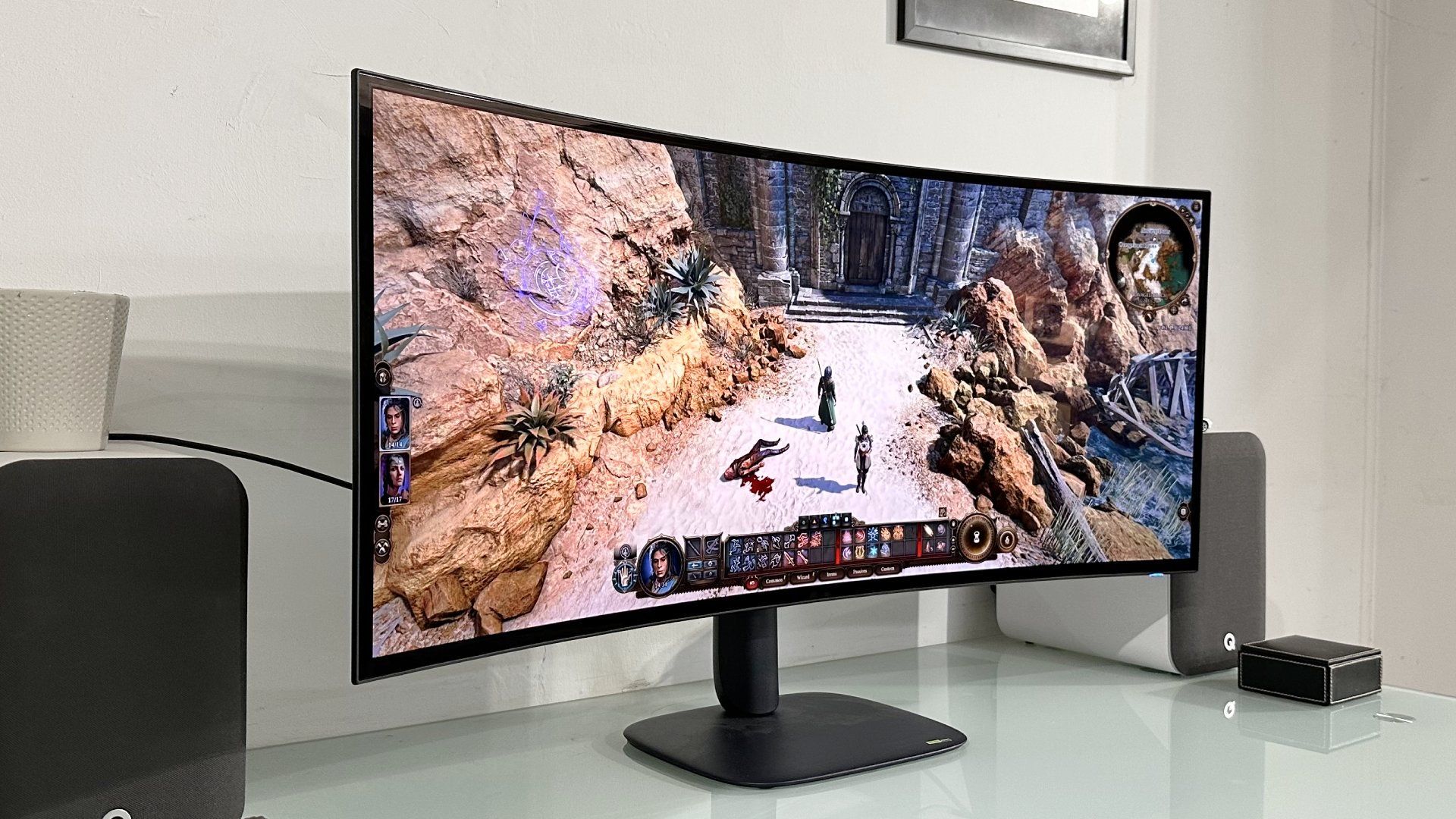
Alienware AW3926QW
Who it suitsPeople checking screen size, room lighting and work or entertainment needs
Reported features for screen & picture
- Screen size
- 39-inch
Sources
PC Gamer ↗ - Resolution
- 5,120 x 2,160
Sources
PC Gamer ↗
Tradeoff to weigh
PC Gamer · Reduced Quality in Dual-Mode; Tom’s Hardware: Tom’s Hardware observed slightly light gamma and noted that gamma adjustments were available in only one picture mode.
What reviewers found
PC Gamer · Vibrant and Accurate Colors
The RGB-stripe Tandem WOLED panel avoids green-tinted balance and delivers rich color vibrancy on par with QD-OLED monitors while maintaining accurate presentation.
PC Gamer ↗PC Gamer · Reduced Quality in Dual-Mode
Switching to alternative high-refresh dual modes substantially lowers overall resolution, visual clarity, and sharpness.
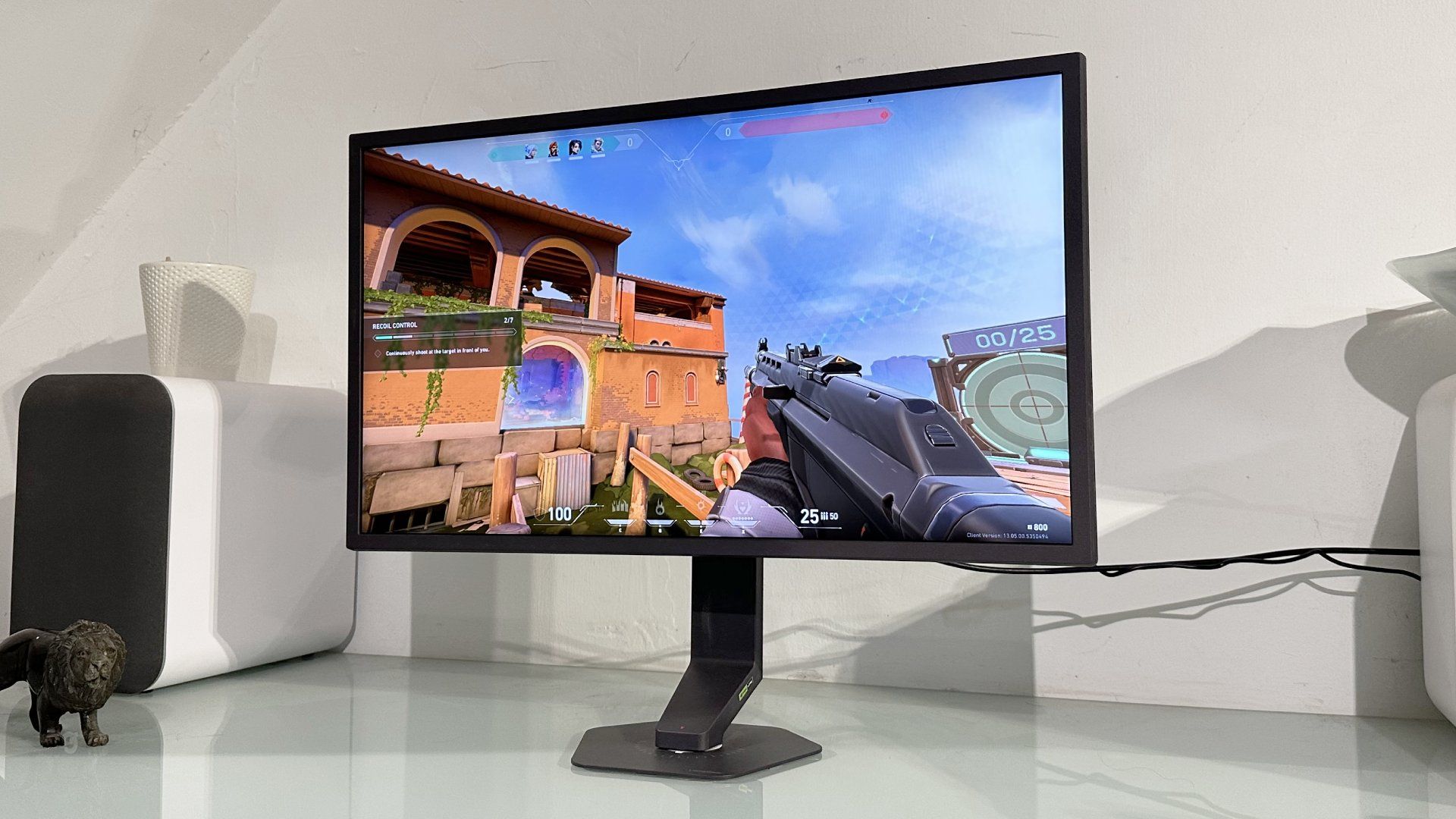
PC Gamer ↗LG UltraGear 25G590B
Who it suitsPeople checking screen size, room lighting and work or entertainment needs
Reported features for screen & picture
- Screen size
- 25-inch
Sources
PC Gamer ↗ - Resolution
- 1,920 x 1,080
Sources
PC Gamer ↗ - Refresh rate
- 1,000 Hz @ 1080p (1,100 Hz overclock)
Sources
PC Gamer ↗
Tradeoff to weigh
PC Gamer · Diminishing Motion Clarity; PC Gamer · Poor Pixel Density
What reviewers found
PC Gamer · Underwhelming Backlight Strobing
The Motion Blur Reduction feature significantly reduces brightness while delivering little observable benefit at maximum refresh rates.
PC Gamer ↗PC Gamer · High DisplayPort Bandwidth Requirement
Achieving the full 1,000 Hz refresh rate requires a GPU that supports the DisplayPort 2.1 standard.
PC Gamer ↗Does the price gap buy something you need?
Enter the prices you can buy at to compare the real premium. A launch price or a higher model number does not establish better value.
4 specification differences0 matching specifications0 tests comparing these models3 specifications to check
What actually changes
Specifications reported for every selected model. A difference does not automatically mean better.
Screen size
- Alienware AW3926QW
- 39-inch
Source
PC Gamer ↗ - LG UltraGear 25G590B
- 25-inch
Source
PC Gamer ↗
Resolution
- Alienware AW3926QW
- 5,120 x 2,160
Source
PC Gamer ↗ - LG UltraGear 25G590B
- 1,920 x 1,080
Source
PC Gamer ↗
HDR
- Alienware AW3926QW
- DisplayHDR True Black 500
Source
PC Gamer ↗ - LG UltraGear 25G590B
- DisplayHDR 400
Source
PC Gamer ↗
Response time
- Alienware AW3926QW
- 0.03 ms
Source
PC Gamer ↗ - LG UltraGear 25G590B
- 1 ms
Source
PC Gamer ↗
Measured differences
Compare results from the same test and settings.
We don’t have matching benchmark results for these models yet. Compare their features and review findings above.
Specifications to check (3 fields)
Some details are missing or differ between sources. Check them before buying.
- Refresh rate · Alienware AW3926QW: not reported
- Brightness · Alienware AW3926QW: not reported
- Features · Alienware AW3926QW: not reported
We don’t have matching benchmark results for these models yet. Compare their specifications and review findings above.